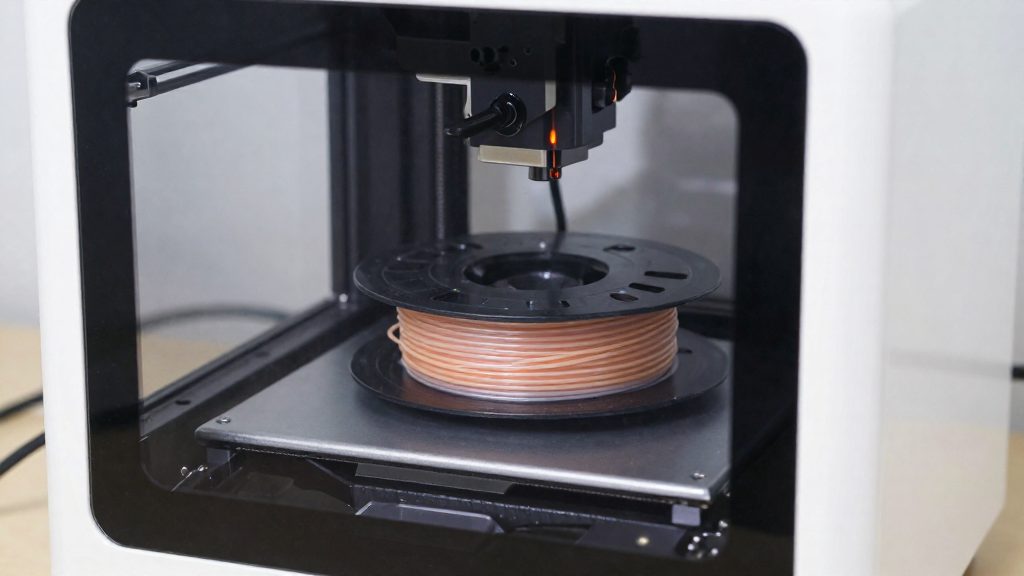
An ABS-capable printer needs an enclosure that keeps drafts off the part and a hotend that can handle ABS temperatures without degrading. Two hardware traits, the enclosure and the all-metal hotend, separate ABS-capable machines from PLA-only models, and the manufacturer’s spec sheet shows whether a printer has them.
What makes a printer good for ABS?
Telling ABS-capable printers apart from PLA-only models
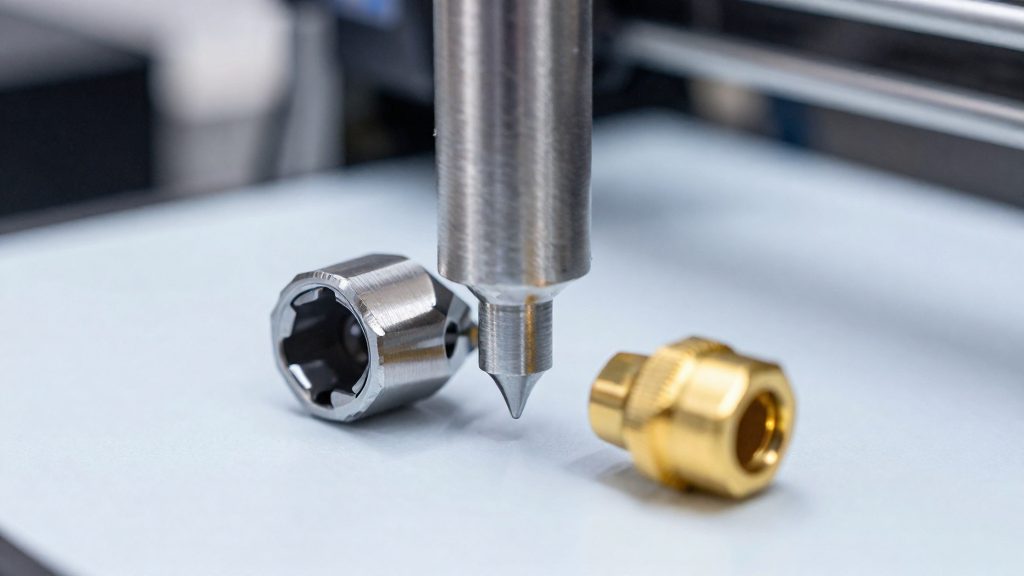
The first distinguishing trait is the enclosure. Makers101 says drafts cause ABS to shrink too quickly, so an open-frame machine works against the material. The second is the hotend. Makers101 recommends an all-metal hotend rated to about 300°C (about 572°F), because PTFE-lined hotends degrade above about 245°C (about 473°F). Flashforge’s suggested print setting of about 235–245°C sits at or just below the roughly 245°C point where PTFE-lined hotends degrade, so the margin is thin. An all-metal hotend rated to about 300°C adds headroom.
Makers101 also reports typical chamber behaviour for several popular models, which helps narrow a shortlist:
| Model | Makers101 classification |
|---|---|
| Bambu X1C / P1S | Passive-chamber |
| Creality K2 Plus | Passive-chamber |
| QIDI X-Plus 3 / X-Max 3 | Not described as passive-chamber |
| Flashforge Adventurer 5M Pro | Not described as passive-chamber |
Treat the classification as a first filter and confirm the enclosure on the manufacturer’s page.
Verifying ABS claims against manufacturer spec sheets
Check each item on the spec sheet before you buy:
- Enclosure: confirm the printer is described as enclosed, not simply fitted with a front door or a cover.
- Maximum nozzle temperature: Flashforge recommends a nozzle capable of about 230–250°C for ABS, and Makers101 recommends an all-metal hotend rated to about 300°C so there is margin above the print setting.
- Maximum bed temperature: the bed must reach the range Flashforge recommends for ABS, which is 90–110°C.
- Explicit ABS support: a printer that names ABS in its spec sheet and also lists an enclosure and an all-metal hotend meets the core hardware checks.
Confirm every value on the manufacturer’s current page.
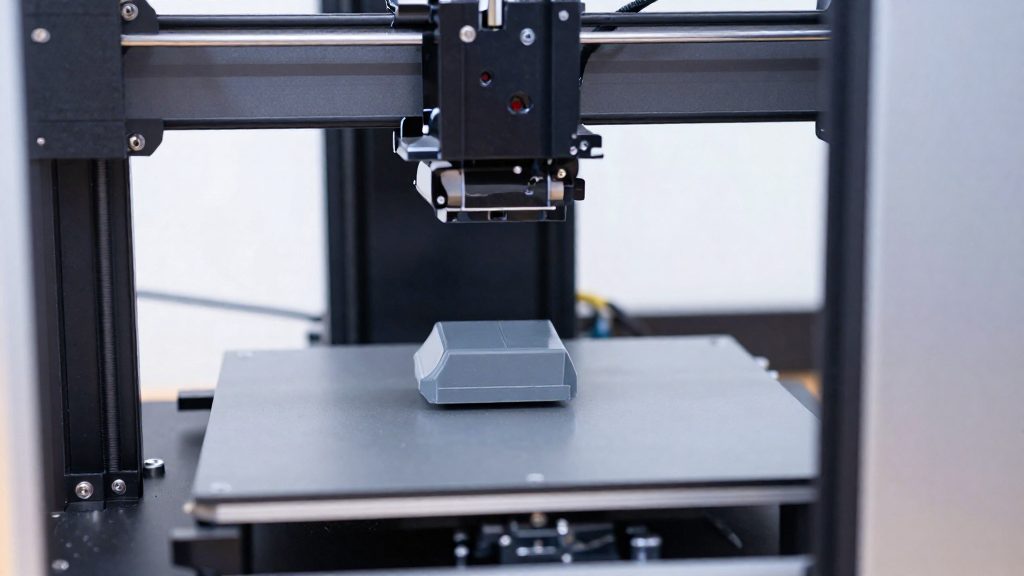
Why does an enclosure matter for ABS?
ABS warps because it shrinks as it cools. Each extruded layer contracts once it drops below its softening range. When the lower part of a print cools and contracts while the upper layers are still hot, the corners lift from the bed. Stress also builds between layers, which can split them apart.
An enclosure does not stop shrinkage. It slows the cooling rate and keeps the temperature around the part more even, which reduces the stress that causes both warping and layer cracking. According to Flashforge’s manufacturer blog (2026-05-31), ABS printers should be enclosed, with a chamber temperature of roughly 40–65°C. The same guidance states that a chamber above 40°C significantly reduces warping and layer cracking, so 40°C is the threshold to clear, not a target to aim just above.
The enclosure also works together with the heated bed. A bed in the 90–110°C range, as Flashforge recommends for ABS, keeps the first layers warm, but it cannot control the air above the part. The chamber covers that remaining area, so the whole height of the print cools at a steadier rate.
Passive vs. actively heated chambers
Makers101 applies the passive-chamber label only to the Bambu X1C/P1S and the Creality K2 Plus. Makers101 uses the label “passive-chamber” for these machines without defining it further; the figure that matters here is the typical chamber temperature it reports. According to Makers101 (2026-10-08), these machines reach about 35–45°C.
Flashforge (2026-05-31) recommends a chamber of roughly 40–65°C for ABS and says that a chamber above 40°C significantly reduces warping and layer cracking. Measured against that guideline, the passive range straddles the threshold:
- Low end (35°C): 5°C below the 40°C threshold.
- High end (45°C): 5°C above the threshold and 20°C below the 65°C upper bound.
A passive chamber can therefore fall short of the 40°C threshold at its low end, and even its high end of about 45°C sits only in the lower part of Flashforge’s 40–65°C range. The consulted sources do not describe how actively heated chambers are built, so this section does not compare their hardware. It only measures passive designs against the ABS figures.
Hotend, bed and nozzle specs to look for
ABS needs a hotend that reaches higher melt temperatures than PLA and a heated bed that stays warm enough to keep the first layers bonded. Flashforge’s guide gives a nozzle capability of about 230–250°C, a suggested print setting of about 235–245°C, and a heated bed of 90–110°C for ABS. Check the printer’s spec sheet for these values rather than relying on an “ABS-capable” label.
| Component | Target for ABS | Source |
|---|---|---|
| Nozzle capability | About 230–250°C | Flashforge (2026-05-31) |
| Suggested print setting | About 235–245°C | Flashforge (2026-05-31) |
| Heated bed | 90–110°C | Flashforge (2026-05-31) |
All-metal hotend. Makers101 recommends an all-metal hotend rated to about 300°C for ABS, because PTFE-lined hotends degrade above about 245°C.
Nozzle headroom. The 235–245°C print setting sits inside the 230–250°C nozzle range, so a printer whose hotend tops out below the top of that range leaves no margin. Confirm the stated maximum temperature in the manufacturer’s specifications.
Heated bed. Confirm that the printer’s stated bed maximum reaches the 90–110°C window. A bed rated below 90°C does not match Flashforge’s guidance for ABS, and the first layers are more likely to lift from the plate.
Do you need filtration and ventilation for ABS?
ABS releases fumes as it melts, so the filtration your printer has determines how much extra air handling you need. Flashforge prefers HEPA plus activated-carbon filtration for ABS fumes, according to its manufacturer blog (2026-05-31). The HEPA stage captures particles, and the activated-carbon stage targets gases. Check the filter specification in your printer’s documentation before you start an ABS job.
Printers with a carbon filter
An enclosure fitted with both HEPA and activated-carbon filtration is the setup Flashforge recommends for ABS. Confirm that the filters are installed and in good condition before each print. Replace them according to the manufacturer’s maintenance schedule, since a saturated carbon filter no longer removes gases effectively.
Printers without a carbon filter
Flashforge advises ensuring proper ventilation when the printer has no carbon filter. Practical steps include:
- Print in a room with a window open or an exhaust fan running.
- Route exhaust air outside the room rather than recirculating it.
Ventilation is the only protection in this setup, so treat an unfiltered ABS print as a job that requires airflow from start to finish.
Enclosed printers worth considering
Makers101 (2026-10-08) reports typical chamber temperatures for three groups of enclosed printers, which gives a practical basis for shortlisting machines for ABS. These are typical readings rather than guaranteed values, so use them to compare machines, not as a specification.
| Printer | Typical chamber temperature (Makers101) |
|---|---|
| Bambu X1C | about 35–45°C |
| Bambu P1S | about 35–45°C |
| Creality K2 Plus | about 35–45°C |
| QIDI X-Plus 3 | about 45–60°C |
| QIDI X-Max 3 | about 45–60°C |
| Flashforge Adventurer 5M Pro | about 30–35°C |
The Bambu X1C, Bambu P1S and Creality K2 Plus share the same 35–45°C band, so they are closely matched on this measure. The QIDI X-Plus 3 and QIDI X-Max 3 report the warmest chambers in the group, at about 45–60°C. The Flashforge Adventurer 5M Pro reports the lowest, at about 30–35°C.
If chamber temperature is your main selection criterion, start with the QIDI models, which report the highest readings (about 45–60°C). The Bambu and Creality machines (about 35–45°C) straddle the 40°C threshold, and the Flashforge Adventurer 5M Pro’s typical 30–35°C falls below it. The Bambu and Creality machines fall between them. Expect the reading to vary with the printer, the print profile and the room.
Chamber temperature is only one filter. Confirm the other requirements for each machine, such as the hotend and heated bed, against the printer’s own documentation before you buy.
Tips to prevent ABS warping
Drafts are the factor you control most directly on the day of a print. Your job is to keep moving air away from the part for the whole print.
Placement matters before the first layer. Set the printer on a stable surface away from windows, exterior doors, air conditioner outlets, and ceiling or desk fans. Air moving across the machine reaches the print surface and cools the outer layers unevenly, even when the room feels only slightly cool.
Door discipline matters once the print has started. Keep the enclosure door and any panels closed. Each time the door opens, room air enters the chamber and cools the part. If you need to check progress, look through the window and avoid opening the door.
Practical checks before you press start:
- Confirm the printer is out of the path of HVAC vents and room fans.
- Move it away from drafty doorways and open windows.
- Make sure no external fan is aimed at the printer.
- Close every panel and the door, then leave the room undisturbed until the print finishes.