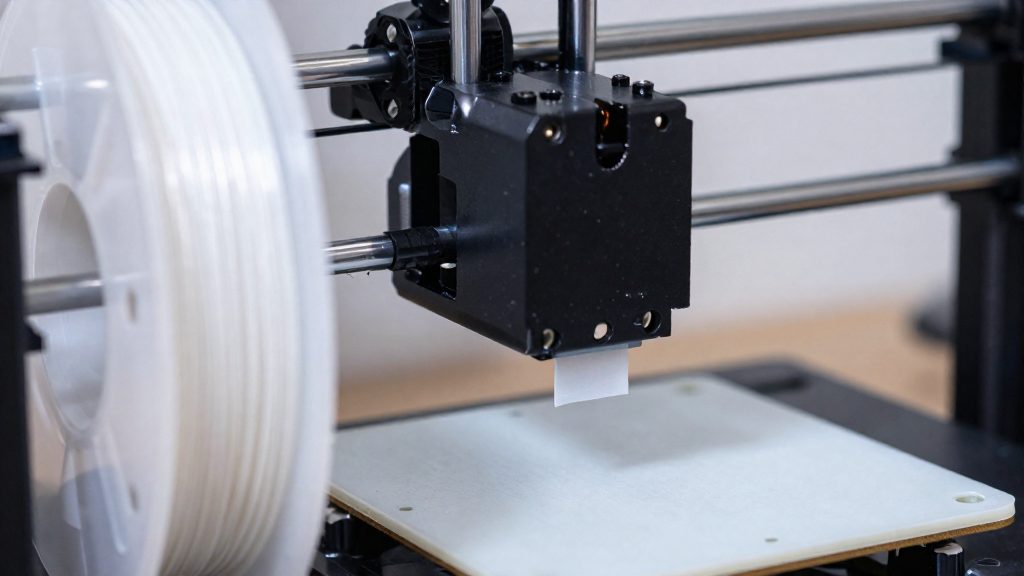
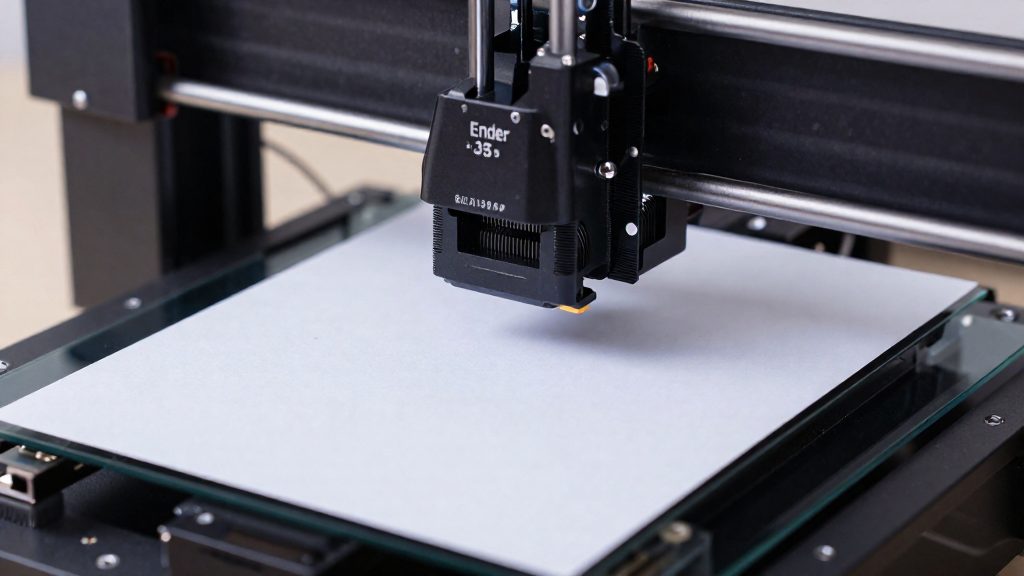
Your Ender 3 is not one fixed machine. A hotend kit’s compatibility list has to match your exact model name, and a statement covering the original Ender 3 does not automatically cover the Neo, S1, V3 SE, V3 KE or other variants. Find your printer’s exact name first, then check each kit’s listing against it before buying.
Which Hotend Fits Your Ender 3?
Identifying your exact model
- Look for the model name on the printer’s label, on the box, or in the manufacturer’s documentation.
- Record the full name. Ender 3, Ender 3 Pro, Ender 3 V2 and Ender 3 Max are separate names in kit listings, so a shorter family name does not identify your mount.
- If the label is missing, use the manufacturer’s documentation for your purchase, or contact the seller with your order details.
Reading a compatibility statement
A compatibility statement covers only the printer models it names. Kit pages often list several Ender 3 variants in one line, so compare your exact name against that line word for word. Compatibility with the original Ender 3 cannot be extended to other variants, even ones with a similar name.
Some listings also give a rated temperature for the hotend itself. Read it as a property of the hotend, not of your printer. Check the firmware limit in your printer’s documentation as well.
No source establishes a single best hotend upgrade through controlled comparison, so the right kit depends on your exact printer and your intended use.
Do You Need a Hotend Upgrade?
Upgrade only if the stock hotend is the bottleneck. Start by separating a worn part from a design limit. A worn or clogged nozzle is a maintenance problem. A hotend that cannot maintain the required temperature needs troubleshooting before replacement: check the heater, temperature sensor, wiring, cooling and calibration according to the printer manufacturer’s instructions before concluding that the stock design is inadequate.
Symptoms that point to a stock hotend limit
These symptoms have several possible causes: under-extrusion at higher flow demands may indicate a throughput limitation, while heat creep can also occur during slow printing or when heatsink cooling is inadequate.
- Under-extrusion that worsens as print speed rises, even after the nozzle is cleaned.
- Heat creep, where filament softens above the heat break and jams in the cold section.
- Temperature that will not hold at the setpoint during long or fast prints.
- Recurring clogs in a nozzle you have already cleaned and replaced.
If a fresh nozzle fixes the problem, the stock hotend is probably not the limit. If the symptoms return with a new nozzle, investigate cooling, filament feeding, assembly and print settings before attributing the problem to the hotend assembly.
Matching print temperature needs to hotend ratings
Compare the rated temperature of the hotend with the highest temperature your filament requires, then check the firmware limit of your printer. The rating alone does not decide what you can print.
| Hotend | Listed compatibility | Rating or limit |
|---|---|---|
| Micro Swiss M2583-04 All Metal Hotend Kit | Ender 3, Ender 3 Pro, Ender 3 V2, Ender 3 Max | Grade 5 titanium-alloy heat break; no maximum operating temperature stated on the manufacturer’s page |
| E3D Revo Creality | Ender 3, 3S, Pro, V2 (drop-in) | Maximum 300°C per E3D; Creality thermistor |
| Micro Swiss FlowTech M3105 | Ender 3 V3 SE | Rated 300°C; firmware limits nozzle to 260°C |
Upgrading versus replacing worn stock parts
Replace a worn or clogged nozzle when the symptoms are local to the nozzle and disappear after replacement. Consider upgrading only after troubleshooting confirms a stock hotend limitation, and verify that the replacement and the printer support your filament’s required temperature within the applicable firmware limit. A titanium-alloy heat break, as in the Micro Swiss M2583-04, is designed to limit heat transfer up the barrel, which is the failure behind heat creep. No controlled comparative test establishes a single best upgrade for every Ender 3. Choose based on your exact model and what you print.
Micro Swiss All Metal for Classic Models
The Micro Swiss M2583-04 All Metal Hotend Kit is one of the upgrades aimed at the original Ender 3 family. According to Micro Swiss, the kit is listed as compatible with the Ender 3, Ender 3 Pro, Ender 3 V2 and Ender 3 Max, so the same kit covers all four classic models.
Key facts from the manufacturer:
| Attribute | Detail (per Micro Swiss) |
|---|---|
| Model | M2583-04 All Metal Hotend Kit |
| Listed compatibility | Ender 3, Ender 3 Pro, Ender 3 V2, Ender 3 Max |
| Heat break | Grade 5 titanium alloy |
| Place of manufacture | United States |
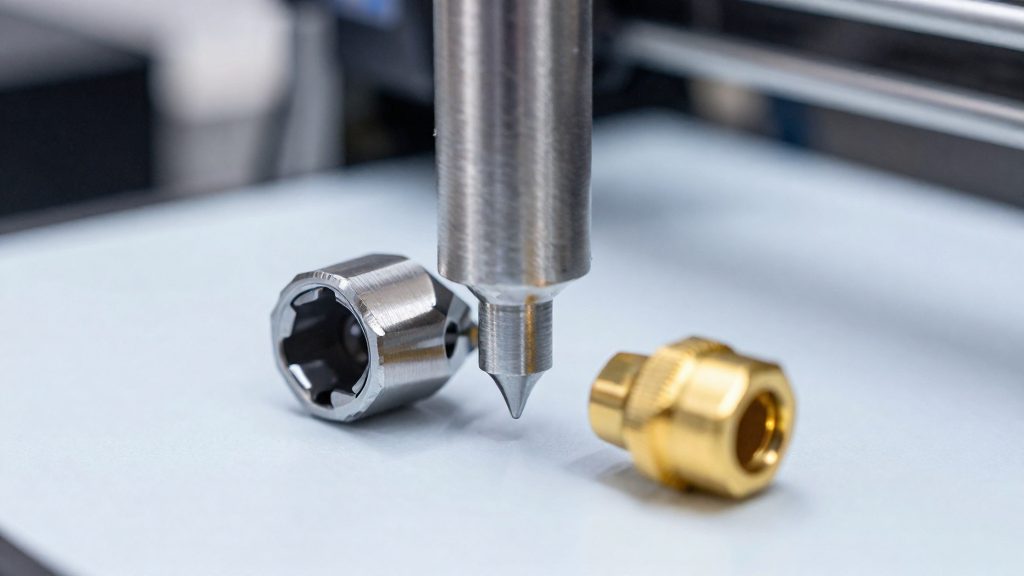
The Grade 5 titanium-alloy heat break is the main design feature of this kit. Titanium has low thermal conductivity compared with brass or steel, which is the reason all-metal hotends use a narrow heat break: it limits heat creeping up into the cold section, where filament can soften and jam. Micro Swiss states the heat break is made from this alloy, but its manufacturer page does not publish a maximum operating temperature, so do not assume a temperature rating from the material alone.
Checking fit before ordering
- Check the mounting and wiring on your existing carriage against the kit’s documentation before removing the old hotend.
- Keep the printer powered off and the hotend cool before disconnecting the heater and thermistor cables.
Revo Creality for Easier Nozzle Changes
The Revo Creality is a drop-in hotend replacement for the Ender 3, Ender 3 S, Ender 3 Pro and Ender 3 V2, according to E3D. The manufacturer states that the upgrade needs no printed parts and no firmware changes; installation still requires mounting the replacement hotend and connecting its heater and thermistor cables according to E3D’s instructions.
The main practical advantage is the nozzle change itself. Revo Creality nozzles are installed by hand without tools or hot tightening; mounting and wiring the hotend require following E3D’s separate installation instructions. When swapping a used nozzle, let the assembly cool below 50°C first, as E3D instructs.
Nozzle change steps
- Turn off the printer and wait until the assembly is below 50°C.
- Unscrew the nozzle by hand.
- Thread the new nozzle in by hand, without tools.
- Check that the nozzle is seated and do not heat the assembly to tighten it.
Compatibility is limited to the printers listed above.
FlowTech for the Ender 3 V3 SE
The Micro Swiss M3105 FlowTech kit is designed for the Ender 3 V3 SE and includes a probe spacer and modified cooling duct to accommodate the extended length of its FlowTech nozzles. Micro Swiss offers a kit specifically built for this printer rather than relying on the generic all-metal hotend.
What the kit includes
Micro Swiss describes the V3 SE FlowTech kit with the following parts:
- A 24 V, 60 W heater core, matched to the hotend assembly.
- A 0.4 mm brass-plated nozzle, the standard diameter for most consumer FDM work.
- A CR Touch spacer, which offsets the bed-probe geometry to account for the longer nozzle.
- A modified cooling duct, designed to position airflow around the longer nozzle tip.
Why the spacer and duct matter
The FlowTech nozzle’s extended length changes the probe and part-cooling geometry relative to the nozzle tip, which is why this kit includes a probe spacer and modified cooling duct. Without the spacer, the CR Touch can read the bed at the wrong offset; without the modified duct, the fan may not direct air where the stock geometry expects it. Micro Swiss supplies both parts so the upgrade does not require sourcing them separately.
Compare Temperature Limits and Listed Kit Prices
Temperature ratings and prices are the two figures that separate these kits on paper, but they describe different things. The rated maximum is the manufacturer’s stated limit, and the printer’s firmware can enforce a lower one.
- Revo Creality (E3D): E3D specifies a maximum printing temperature of 300°C. The fact base does not include a listed price or complete-kit cost for Revo Creality, and current US availability was not verified, so no price comparison is possible for this kit.
- FlowTech M3105 (Micro Swiss, Ender 3 V3 SE): The listed price is US$64.99.
- M2583-04 All Metal Hotend Kit (Micro Swiss): The manufacturer’s page lists a price of US$63.50.
Compared on listed price alone, the M2583-04 is US$1.49 cheaper than the FlowTech M3105. The two kits target different printers, so the price gap matters only if both fit your machine.
Preinstallation Compatibility Checklist
Three checks decide whether a new hotend fits and works on your printer: the printer model, the firmware, and the thermistor. Run them before you open the printer or order parts, then follow the kit’s installation instructions.
- Confirm the printer model. Match the exact model name on your machine against the kit’s compatibility list.
- Confirm the firmware. According to E3D, the Revo Creality is a drop-in replacement that requires no firmware changes. For any other kit, read the manufacturer’s instructions for firmware requirements before you start.
- Confirm the thermistor. Each kit specifies its temperature sensor. E3D identifies the Revo Creality sensor as a Creality thermistor, so check that the sensor on your current hotend matches what the kit requires. If it does not, contact the manufacturer or seller before fitting.
- Follow the manufacturer’s instructions and labels. Read the kit’s documentation and the labels on each part before disassembly, and fit only the components the instructions name for your printer.