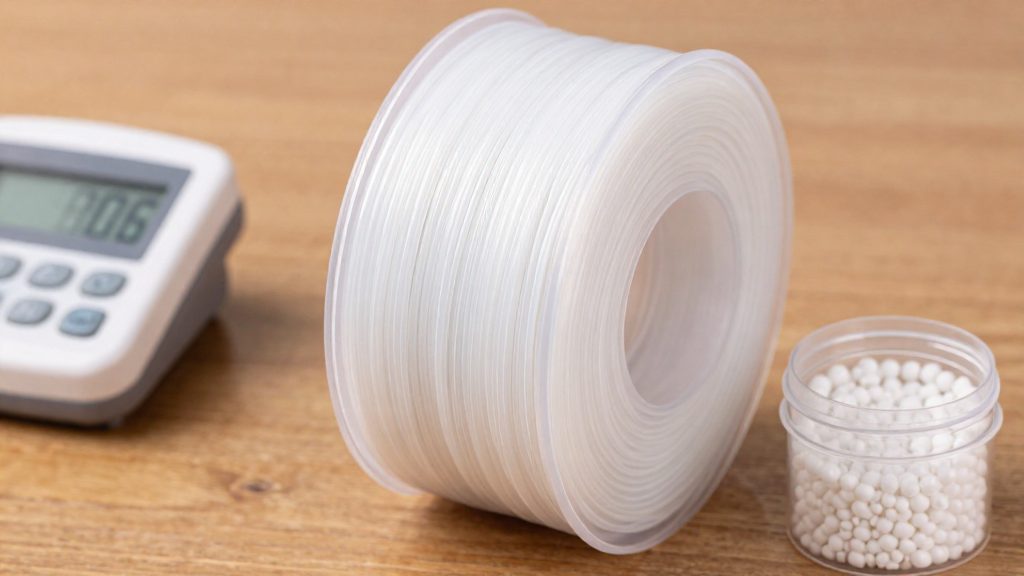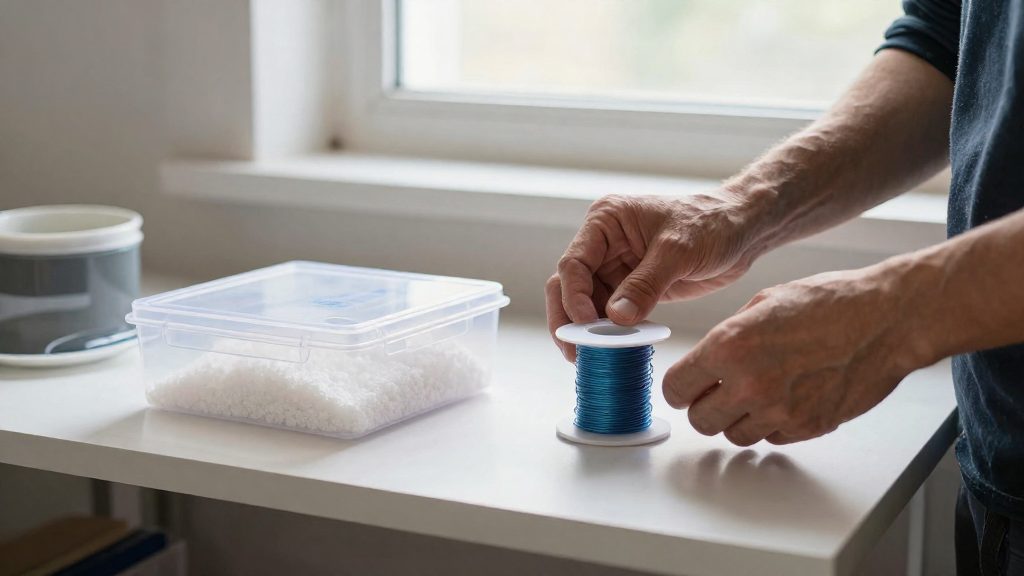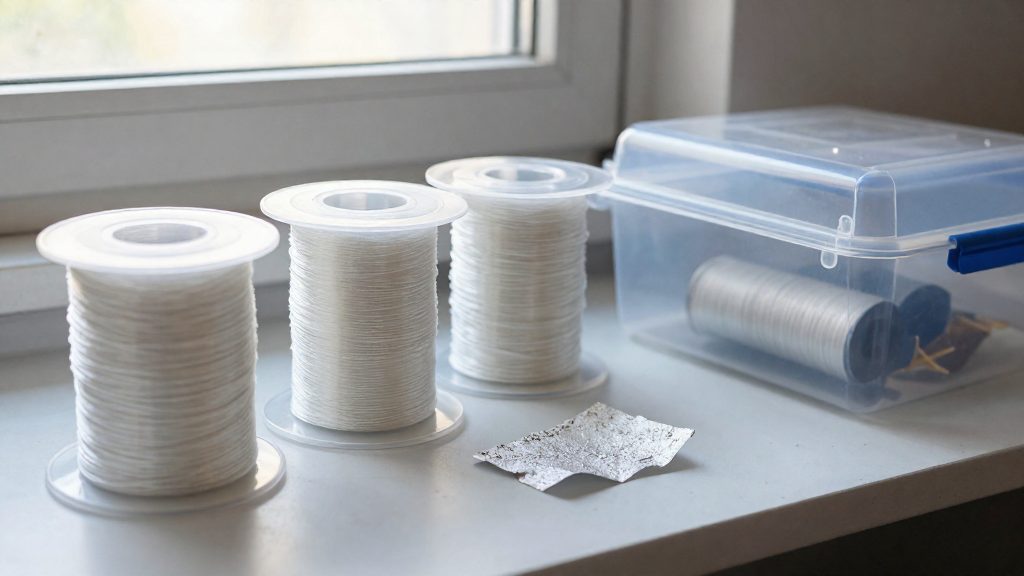
Yes. Nylon filament is hygroscopic, meaning it readily absorbs moisture from the surrounding air, according to MatterHackers (2023-12-20). Because the filament takes up water while sitting on a spool, the problem is not limited to the moment of printing. The water it has picked up is carried into the hot nozzle with the plastic, where it affects the printed result.
How Moisture Affects Nylon Print Strength and Clogging
Moisture present in nylon during extrusion can cause degradation of the material, and MatterHackers (2018) links this degradation to weaker printed parts. The strength loss happens inside the part itself, so a print can look normal on the outside while the material underneath has been compromised.
UltiMaker adds a second consequence: nylon degradation can increase the risk of clogging. A clog is a separate failure from reduced part strength, so degraded nylon can cause problems at the nozzle as well as in the finished object.
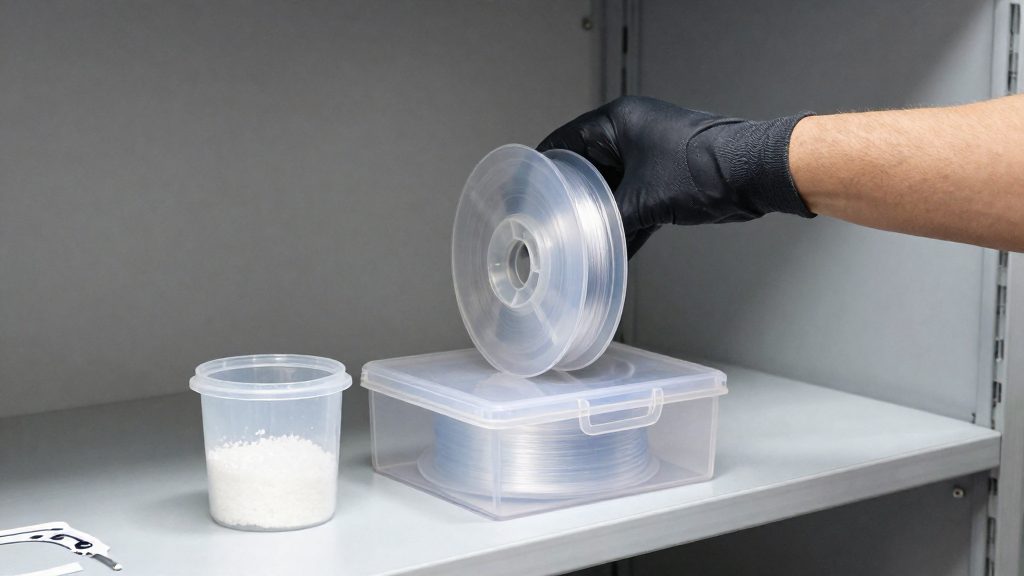
How Quickly Does Nylon Get Wet?
Nylon filament is hygroscopic, which means it readily absorbs moisture from the surrounding air, according to MatterHackers (2023). Uptake happens whenever a spool is left open, so the practical question is how long a spool can stay exposed before print quality suffers.
Uptake after opening a spool
MatterHackers states that nylon can absorb more than 10% of its weight in water within 24 hours. That figure does not identify a nylon grade, humidity level, temperature, or test method, so it should not be read as a universal absorption rate for every spool.
Effect of ambient humidity
Humid rooms accelerate uptake in general, and a spool that has been open in such an environment should be treated as potentially wet. To judge its condition, check the spool’s storage history and look for the warning signs listed in the next section.
Signs Your Nylon Filament Is Wet
Wet nylon usually announces itself during printing, before any test part is finished. The most useful warning signs are audible, visible on the extruded strand, and visible in the print surface.
Popping Sounds and Visible Bubbles
Popping noises from the extruder or nozzle are one of the clearest early signals. MatterHackers lists them, together with visible bubbles in the extruded strand, as warning signs that moisture is present during extrusion. Bubbles or popping are worth acting on before printing a functional part.
Stringing and Oozing
UltiMaker identifies stringing and oozing as possible moisture symptoms. Fine threads between printed sections and excess material leaking from the nozzle during travel moves can both indicate that the filament is holding water. Check that stringing is not caused by slicer settings such as retraction before attributing it to moisture, since Prusa notes that some filaments are naturally more prone to stringing.
Milky Appearance in Transparent Nylon
For transparent nylon, UltiMaker lists a milky appearance in the printed part as a possible moisture symptom. A clear print that turns cloudy or opaque compared with a dry reference sample of the same filament points toward absorbed water.
How to Dry Nylon Filament
A heated filament dryer lets you dry nylon while it is still on the spool, so the material can be dried and then loaded straight into the printer. MatterHackers and UltiMaker both name PrintDry as a dedicated dryer for their nylon workflows.
Using a Heated Dryer on the Spool
- Place the spool in the dryer with the filament still wound on it.
- Set the temperature and time from the manufacturer’s instructions for your exact nylon product, not a generic value.
- Let the cycle finish before loading the filament into the printer.
- For long prints, feed the filament directly from the dryer, as MatterHackers recommends, to limit renewed moisture absorption during the job.
Choosing a Dryer That Reaches Nylon Temperatures
The dryer’s maximum temperature has to meet the value your filament requires. Prusa advises checking that the dryer supports the temperature specified for its product, so read the dryer’s rated range before buying or running a cycle. Also confirm that the unit holds that setting for the full drying time, since a dryer that cannot keep the target will not dry the filament properly.
Drying Temperatures Depend on Your Nylon
Manufacturer drying instructions for nylon are not interchangeable. Each product line specifies its own combination of temperature and duration, and the values below show how far they diverge.
| Product | Drying temperature | Duration | Source |
|---|---|---|---|
| MatterHackers nylon workflow (in a PrintDry) | 75°C (167°F) | 8–12 hours | MatterHackers (2023-12-20) |
| UltiMaker Nylon (in a PrintDry) | 50°C (122°F) | At least 24 hours | UltiMaker |
| Prusament PA11 Carbon Fiber | 90°C (194°F) | 6 hours | Prusa Research |
The gap is large. UltiMaker’s schedule runs at a lower temperature for a longer minimum time, while Prusa’s runs hotter for a shorter period. Because the schedules differ this much, a single temperature and duration cannot be applied to every nylon filament.
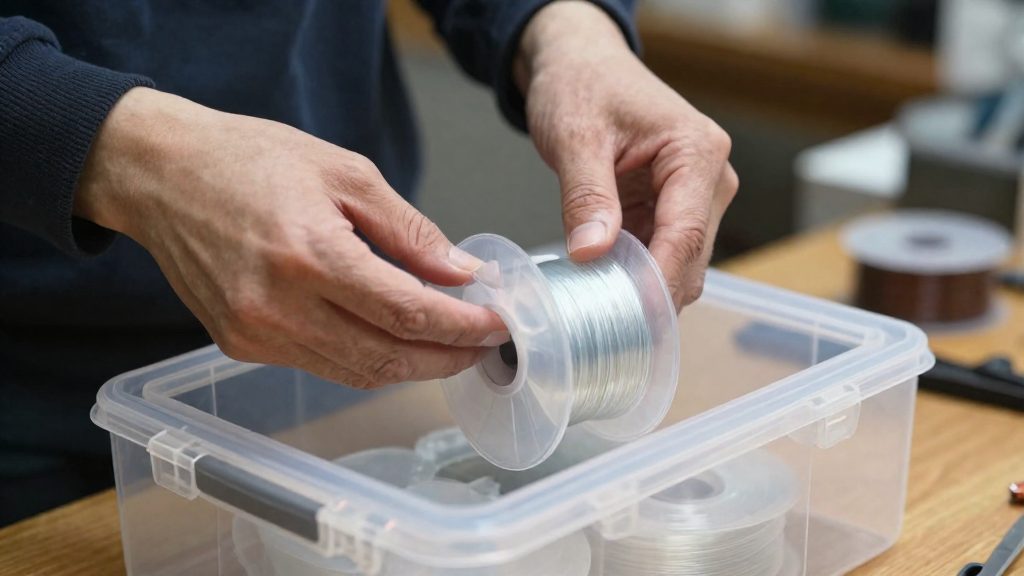
Storing Nylon and Printing From a Dry Box
Storage and dry-box habits decide whether nylon stays usable between prints. A spool that was dried well can absorb moisture again if it is left exposed. The two tools that matter here are a sealed container with desiccant and a feeding setup that pulls filament straight from a heated dryer during long jobs.
Silica Desiccant Protects Dry Filament but Does Not Dry It
Silica desiccant is a moisture absorber, not a dryer. According to UltiMaker, storage with silica desiccant helps preserve filament that is already dry, but it does not actively dry material that is already wet. A spool that has absorbed moisture must be dried with heat before it goes into a desiccant box, and the box only slows further pickup.
Feeding Filament Directly From the Dryer
For long prints, MatterHackers recommends feeding filament directly from the dryer rather than from an open spool. This keeps the filament dry from the dryer to the extruder.
| Storage method | What it does | Limitation |
|---|---|---|
| Airtight container with silica desiccant | Slows moisture pickup on dried filament | Does not dry wet filament |
| Feeding directly from a dryer (MatterHackers, 2023-12-20) | Keeps filament dry during long prints | Requires the dryer to run throughout the print |
Can You Dry Nylon in an Oven?
A household oven can dry nylon only if you control its temperature. Prusa Research notes that household ovens can fluctuate enough in temperature to damage filament, so the dial setting alone does not tell you what the spool experiences. Before loading filament, use an external thermometer to check the oven through multiple thermostat cycles, and continue monitoring during drying. Follow the filament manufacturer’s drying instructions and the spool’s temperature limits; use a suitable dedicated dryer if the oven cannot maintain the required conditions.
Why Oven Temperature Fluctuation Is a Risk
The dial is a setpoint, not a measurement. A thermostat can cycle above and below the target, and that swing is enough to damage nylon filament that is heated near its limits. The drying step has to be accurate, not approximate.
Monitor With an External Thermometer
Prusa Research recommends an external thermometer when using an oven. Place it inside the oven at the same level as the spool, close the door, and let the oven stabilise before reading. Compare that reading with the dial. If the two differ, trust the thermometer and adjust the setting.
Confirm the Required Temperature First
Prusa, for example, specifies 90°C (194°F) for six hours for Prusament PA11 Carbon Fiber. If your oven cannot hold that temperature steadily, use a dedicated filament dryer instead.