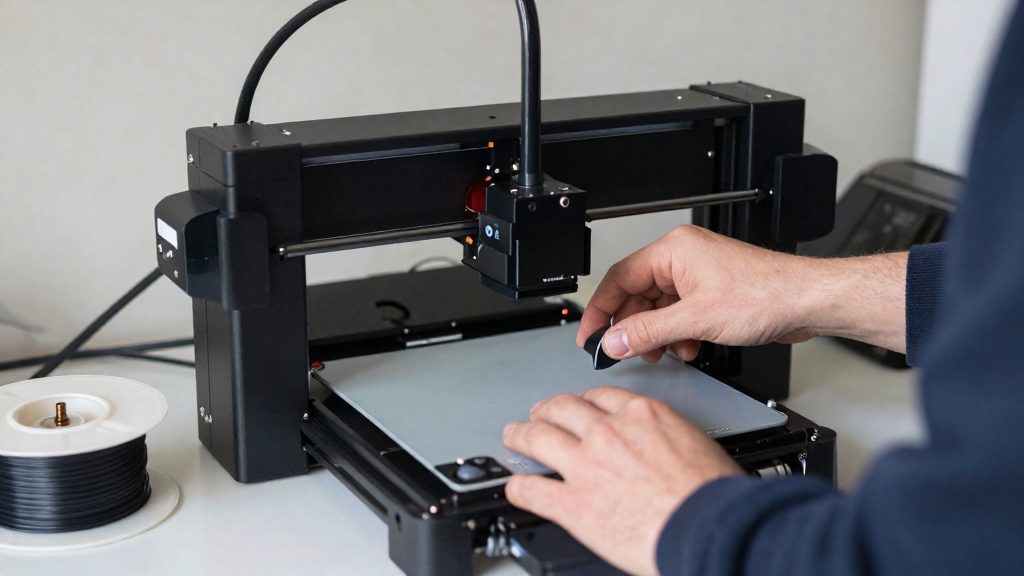
Is a direct drive extruder worth it?
A direct drive extruder is worth considering when the problems you see in prints trace back to the filament path between the feeder and the hotend. It moves the filament feeder onto the moving printhead, whereas a Bowden setup keeps the motor on the stationary frame. The change is mechanical, though, and it does not fix every defect. If a printer already produces clean prints with tuned retraction and acceleration, the upgrade mainly alters how the machine behaves under load rather than delivering a guaranteed quality gain.
What direct drive changes and what it leaves
Direct drive shortens the path the filament travels, which addresses the responsiveness side of extrusion. It leaves this factor untouched:
- Print speed and acceleration settings still determine whether the printer performs well.
Problems worth the mechanical change
Stringing and oozing are the defects most directly linked to the shorter path. Retraction-related issues respond to a faster-reacting feeder, so they are the clearest case for an upgrade.
Whether an upgrade suits a printer that already works
For a printer that prints PLA or PETG acceptably, a direct drive conversion has no demonstrated universal improvement in print quality. The benefit depends on the original printer, the extruder design and the tuning. QIDI (2025) makes generalized claims about speed, acceleration and added weight, but these lack model-specific evidence and should not be read as universal comparisons. Consider a direct drive upgrade when stringing, oozing or retraction artifacts persist after checking retraction settings, nozzle temperature, filament moisture and nozzle condition, and the remaining problem points to the filament path.
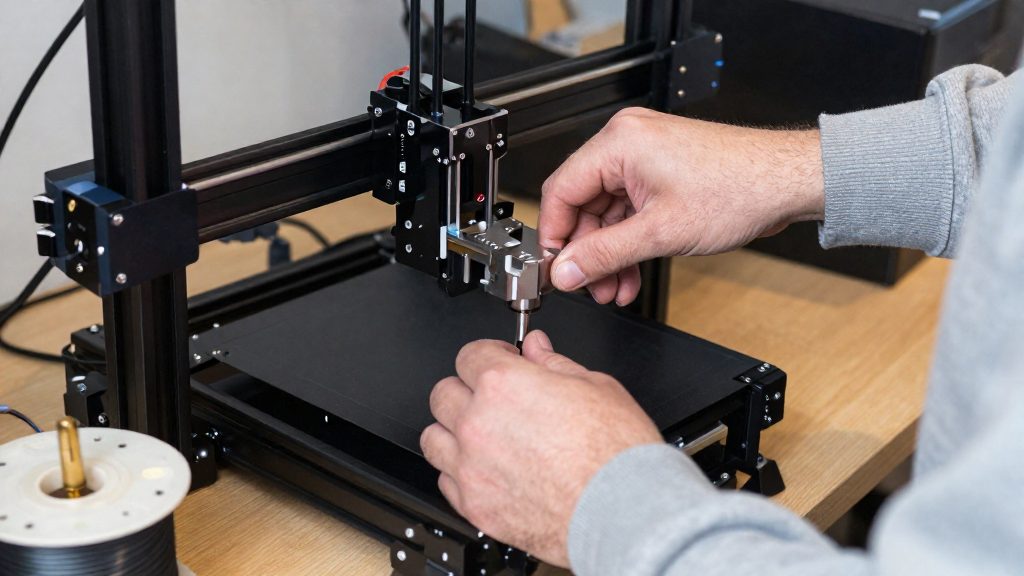
How direct drive and Bowden differ
The core difference is where the filament feeder sits. According to QIDI (2025), direct drive places the filament feeder on the moving printhead, while Bowden places the motor on the stationary frame. Bowden therefore needs a tube to carry filament from the frame-mounted motor to the hotend, and that tube sets the friction and lag behaviour.
| Aspect | Direct drive | Bowden |
|---|---|---|
| Feeder or motor location | On the printhead | On the stationary frame |
| Filament path to hotend | Short, between drive gears and hotend | Long, through a tube |
| Extrusion responsiveness | Shorter distance improves responsiveness | Additional friction and response lag |
Filament path length is the main variable. Bowden adds friction along the tube, and MatterHackers notes that slicer and firmware adjustments can compensate for much of its retraction-related behaviour.
Flexible filament is a point of disagreement. QIDI states that only direct drive handles soft TPU. Direct extruders generally make flexibles easier to print, so the choice is not settled by the feeder location alone.
A direct-mounted extruder does not have to mean a direct gear ratio. The Micro Swiss NG combines a direct-mounted extruder with 3:1 reduction gearing, meaning the drive gear turns once for every three motor revolutions. This shows that direct mounting and geared drive can coexist in one design, so the two concepts describe separate choices.
Does direct drive help with TPU?
Direct drive generally makes flexible filament easier to print. The feeder sits on the moving printhead, so the filament goes from the drive gears straight into the hotend without a long tube in between. Bowden systems can also print flexibles, but the filament has to travel further and the extra friction and lag make the job harder. Some comparisons claim that only direct drive can handle soft TPU. That claim is contested, because both arrangements can print flexibles when the filament path is adequately constrained.
Keeping the filament path constrained and short
On direct drive, a short path reduces the length of filament that can buckle or bend before it reaches the hotend. The path still needs to be constrained. Prusa Research notes that keeping flexible filament dry and reducing idler pressure helps, because excessive pressure can cause the filament to become entangled in the gears.
Bowden systems printing flexibles despite friction
On a Bowden setup, the motor stays on the frame and the filament runs through a tube to the hotend. That tube adds friction and response lag, which makes flexible filament harder to push and control. Bowden extrusion can still produce usable flexible prints, because slicer and firmware adjustments can compensate for much of its retraction-related behavior. Reliable results depend on keeping the tube path as constrained and smooth as the setup allows.
Retraction, stringing, and print quality
The main mechanism behind the link between direct drive and cleaner prints is gear-to-hotend distance. In a direct-drive setup, the drive gears sit on the moving printhead, so the filament only travels a few centimetres between the gears and the hot end. MatterHackers (2016) states that a shorter distance between the drive gears and the hotend improves extrusion and retraction responsiveness, which can reduce stringing and oozing.
Why a shorter path changes retraction
When the extruder retracts, it briefly pulls the filament backward to reduce pressure in the hotend and limit oozing during travel moves. The shorter the filament column between the gears and the melt zone, the less elastic stretch and lag there is between the motor command and the actual movement of the filament at the nozzle.
- Retraction response: the filament starts and stops moving closer to the time the firmware commands it.
- Oozing: less molten material leaks from the nozzle during travel moves, because the pressure in the melt zone drops faster when retraction begins.
- Stringing: thin threads form between separate parts of a print when residual pressure pushes material out during travel. A faster, more precise retraction reduces this residual pressure.
What this means for print quality
MatterHackers (2016) describes the stringing and oozing reduction as a response-time effect. The benefit is therefore most visible on prints with many travel moves between separate features, such as models with open gaps or thin supports.
A direct-drive upgrade does not automatically improve surface quality; the acceleration values in the slicer and firmware must match the heavier printhead.
Compare stringing results on the same test model before and after the change.
Moving mass and printing speed
A direct drive extruder mounts the filament feeder on the moving printhead, so every move of the carriage also moves the motor, gears and filament path. According to MatterHackers (2016), adding this moving mass can increase overshoot, frame wobble and missed steps when acceleration and speed settings are not adjusted to suit it.
Why overshoot rises with added moving mass
Overshoot is the tendency of the printhead to travel slightly past its target at the end of a fast move, and it grows when the carriage carries more weight. The extra mass resists each change in direction and speed, so the axis needs more force to start, stop and reverse. Added moving mass can excite mechanical vibrations during changes in direction, producing ringing or ghosting on the printed surface; acceleration or speed may need reducing to suit the converted printer.
Added moving mass on the printhead assembly
In a direct drive setup, the motor, gear train and filament guide all add weight to the hotend carriage. Bowden setups keep the motor on the stationary frame, so the carriage carries only the hotend and a short tube. The difference matters most on printers where the X and Y axes move the head directly, since the belts and rails must accelerate the full assembly on every move.
Frame wobble and missed steps risk
When the carriage accelerates harder than the frame and belts can control, the whole printer can vibrate, a condition called frame wobble. Missed steps occur when the stepper motor cannot keep up with the commanded move, so the printed position drifts from the intended path. Both problems are reduced by lowering acceleration and speed until the print is stable, then raising them gradually while checking the results.
Upgrade costs and compatibility checks
Before buying a direct drive kit, confirm that it matches your printer’s hotend and carriage, that its motor cable pinout fits your board, and that your firmware can handle the extra weight on the printhead. Costs and installation time vary by printer and kit, and the sources do not give a universal price or payback period, so compare the kit’s full price, including any extension cable, against your own print needs.
Mechanical disassembly and heater/thermistor relocation
Converting a printer can require taking the printhead apart and moving the heater and thermistor. According to Micro Swiss (2022), the NG M3201 conversion requires mechanical disassembly and relocating both parts. Check the kit’s installation instructions for these steps before you buy, and confirm that the heater and thermistor wires reach their new position without tension. Wires that are too short or routed across the moving carriage can cause failures during printing.
Motor extension cable and pinout checks
The NG M3201 installation uses a supplied motor extension cable with a specific pinout, according to Micro Swiss (2022). Before connecting it, compare the cable’s pin layout with the motor connector and the board header on your printer. Do not connect a cable whose pinout you have not matched.
Printer compatibility with a direct mount kit
Check your firmware’s acceleration and speed limits before the first print, and confirm that the kit is listed for your printer model.
Settings to change after upgrading
After converting to direct drive, two values usually need attention: the extruder’s steps per millimetre in the firmware, and the retraction distance in the slicer. For the Micro Swiss NG M3201 conversion, Micro Swiss (2022) instructs users to set the extruder to 400 steps/mm and the slicer retraction distance to 1.0 mm. These figures apply to that kit only.
Extruder steps per millimetre
Steps per millimetre tells the firmware how many motor steps move the filament one millimetre. The value from your previous extruder is unlikely to be correct. Use the figure from the kit’s documentation rather than the old printer’s setting.
Slicer retraction distance
The 1.0 mm retraction distance is set in the slicer profile, not in the firmware. Because the filament now sits closer to the hotend, retraction should be checked after the change rather than assumed. For flexible filament, Prusa Research advises starting with lower retraction or disabling it, then increasing it while watching the results.
Checking values against the manufacturer’s instructions
Compare every value with the manual or product page supplied with your kit before changing anything. Firmware setting names and recommended values differ between kits, so if the instructions give different numbers from those above, follow the instructions for your kit.