Is Mono Different From LCD?
A mono resin printer is an LCD resin printer that uses a monochrome screen. According to Phrozen (2020), the useful comparison is not “mono versus LCD” but monochrome LCD versus color RGB LCD, because both families cure resin with LEDs and an LCD that controls the exposure pattern for a whole layer at once.
Monochrome vs. color RGB: the practical comparison
The two screen types differ in how the LCD handles light:
| Feature | Monochrome LCD | Color RGB LCD |
|---|---|---|
| Light transmission | Higher, per Phrozen (2020) | Lower, per Phrozen (2020) |
| Screen operating life | Longer, attributed by Phrozen to higher light transmission and greater thermal resistance | Shorter by comparison, per Phrozen (2020) |
Monochrome screens transmit more light than color screens, which Phrozen links to shorter exposure times per layer. The exact exposure settings depend on the resin and printer, so check the resin manufacturer’s recommended times rather than applying a fixed multiplier.
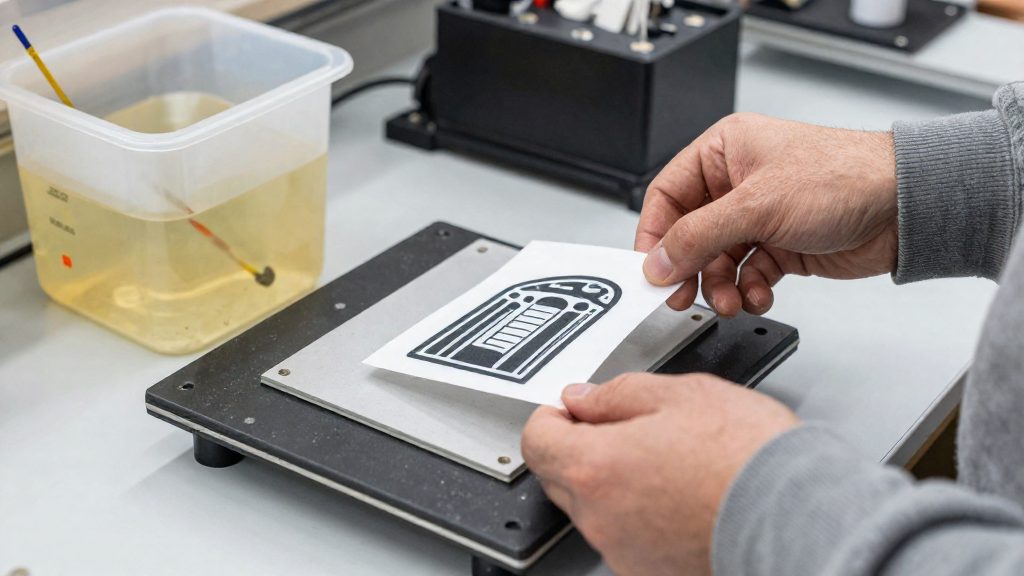
How Mono and RGB Screens Work
An LCD resin printer cures resin with an array of LEDs placed behind a liquid crystal display. The LEDs are the light source, and the LCD acts as a stencil: it controls the exposure pattern for each layer. Instead of tracing the outline of a part point by point, the printer exposes the whole layer at once, with transparent pixels letting UV light through to the resin and opaque pixels blocking it. The screen then changes pattern for the next layer, which is how the printer builds the object one slice at a time (Phrozen, 2020-12-04).
The physical difference between the two screen types lies in the LCD stack itself. A monochrome screen has no colour filter layer, so it transmits light without the coloured sub-pixel filters that an RGB screen uses to display colour. Those colour filters sit between the light source and the resin and absorb part of the light passing through. An RGB screen therefore has an extra filtering layer that a monochrome screen lacks (Phrozen, 2020-12-04).
Why Do Mono Screens Cure Faster?
A monochrome LCD lets more light through than a color RGB LCD. According to Phrozen (2020), this higher light transmission is what allows a monochrome resin printer to use shorter exposure times per layer. Exposing the whole layer at once can shorten curing time, but the complete layer cycle also includes separation, return motion and any rest periods.
Light transmission through monochrome screens
LCD resin printers use LEDs as the light source and an LCD to shape the exposure pattern. The LCD acts as a mask: pixels that are open let UV light through to the resin, and pixels that are closed block it. On a color screen, each pixel carries red, green and blue sub-pixel filters, and those filters absorb a large share of the light. A monochrome screen has no color filters, so more of the LED output reaches the resin for the same pixel pattern.
- Monochrome LCD: higher light transmission, no color filter layer.
- Color RGB LCD: lower light transmission because of the color filters.
Shorter exposure time per layer
Greater transmission means the resin receives enough UV energy to cure in less time. Phrozen states that this is the reason monochrome LCDs enable shorter resin exposure times per layer. In practice, the exposure time you set in the slicer is the value that benefits most: a printer with a monochrome screen can be set to a shorter per-layer exposure than a color-screen machine running the same resin. The exact values depend on the resin and the printer, so use the resin manufacturer’s recommended exposure range as the starting point.
Screen Lifespan and Replacement Checks
Phrozen attributes the longer operating life of monochrome screens to higher light transmission and greater thermal resistance than color LCDs (Phrozen, 2020). This is the manufacturer’s explanation, not a measured result. No universal screen lifespan or fixed monochrome-to-RGB multiplier has been established, so the difference should not be expected to hold identically across every printer and usage pattern.
The LCD is a consumable component. According to Phrozen (2025), damage or wear can reduce print quality or cause failed prints, and the screen then needs replacement. The trigger is therefore a change in output rather than a fixed interval. When layers start failing or surface quality drops, inspect the screen for damage before adjusting exposure or slicer settings.
Current US prices for replacement screens and retrofit compatibility with specific printers were not verified. Before buying, check the exact screen model against your printer in the manufacturer’s documentation or listing.
Does Mono Improve Print Detail?
A monochrome screen does not automatically produce finer XY detail. On an LCD resin printer, horizontal resolution depends on the pixel size, which is the active screen dimension divided by the pixel count along that axis. Screen type alone does not change that value.
According to All3DP (2020), the monochrome Mars 2 Pro uses 50-micron pixels, while the older RGB Mars Pro uses 47-micron pixels. The color model has the finer pixel pitch.
| Printer | Screen type | Pixel size |
|---|---|---|
| Mars 2 Pro | Monochrome | 50 microns |
| Mars Pro | RGB color | 47 microns |
Pixel pitch sets the upper limit of XY detail, but it is not the only factor. MSLA print resolution also depends on:
- Collimation: how parallel the light reaching the screen is, and how evenly it is distributed across the screen.
- Anti-aliasing: smoothing of pixel edges, which affects how cleanly curved and diagonal outlines cure.
- Minimum layer height: the thinnest layer the printer can produce, which limits vertical detail rather than XY detail.
Formlabs also notes that resolution alone does not establish print quality. Accuracy also depends on the hardware, resin properties, print settings, and post-processing.
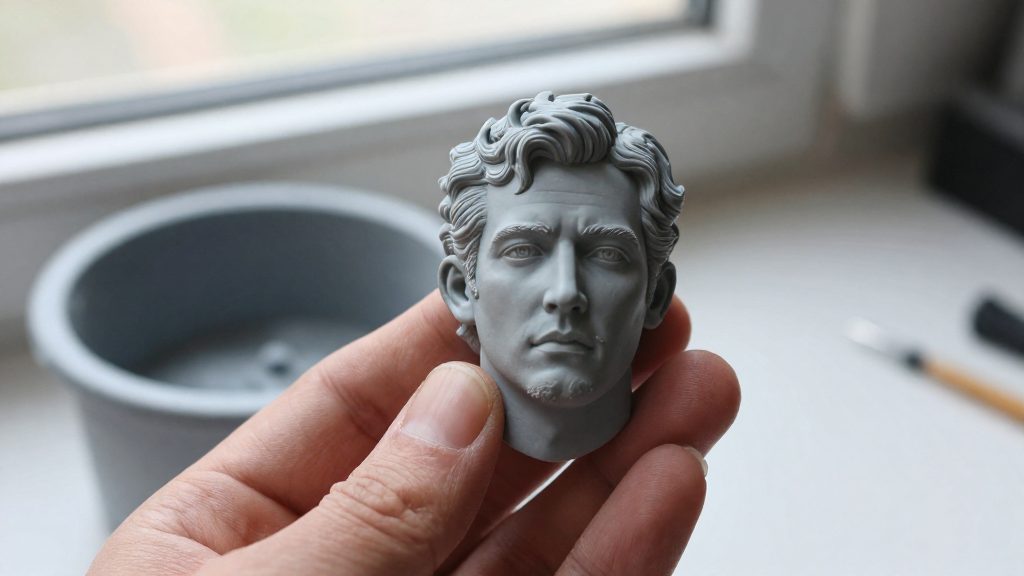
Exposure Settings and Print Quality
Resin accuracy is not set by screen resolution alone. Formlabs states that resin print accuracy depends on hardware, resin properties, print settings and post-processing, and that resolution alone does not establish print quality. On an MSLA (masked stereolithography) printer, resolution depends on light collimation and uniformity, anti-aliasing and minimum layer height, according to Formlabs. The sections below cover each of these factors, with the limits of what the sources establish.
Resin Properties That Affect Accuracy
The resin itself is one of the variables that shapes the finished part. Formlabs lists resin properties among the factors that determine print accuracy, alongside the hardware and the print settings. Because the cured resin is the material that holds the geometry, two printers running the same file can produce different results if they use different resins.
Print Settings and Hardware Effects
Print settings and hardware work together on the final result. Formlabs names hardware and print settings as separate contributors to accuracy, and it names light collimation and uniformity and anti-aliasing as optical factors on MSLA machines. Calibrate the print settings available on your printer, and compare its optical hardware specifications separately.
Post-Processing and Final Accuracy
Post-processing is the last stage that affects accuracy, and Formlabs includes it explicitly in its list of factors. Cleaning and curing steps change the part after printing, so they must be considered when judging dimensional accuracy. Check the resin manufacturer’s post-processing instructions for the exact cleaning and curing steps.
Screen Wear and Print Quality
An LCD is a consumable component. Phrozen attributes the longer operating life of monochrome screens to their higher light transmission and greater thermal resistance compared with color LCDs.
Choosing Between Mono and RGB
Choosing between a monochrome LCD and a color RGB LCD starts with checking which screen your printer uses. The comparison that matters is monochrome versus color, since a mono resin printer is simply an LCD resin printer fitted with a monochrome screen (Phrozen, 2020-12-04). Screen type is fixed by the hardware, so you cannot change it with consumables; you buy resin and replacement parts that match the screen already installed.
Matching Consumables to Your Screen
Before ordering a replacement LCD, confirm the screen type printed in your printer’s documentation or on its model listing. The screen is a consumable component: damage or wear can reduce print quality or cause failed prints, which means it will eventually need replacing (Phrozen, 2025-09-25).
- Identify the printer model and its screen type (monochrome or RGB).
- Check the manufacturer’s listing for a replacement LCD that is specified for that exact model.
- Do not assume a screen from one printer fits another, even within the same brand.
Speed, Lifespan and Detail Priorities
Monochrome screens allow greater light transmission than color screens, which enables shorter resin exposure times per layer (Phrozen, 2020-12-04). If print speed is your priority, a mono screen is the stronger starting point. Phrozen also attributes the longer operating life of monochrome screens to their higher light transmission and greater thermal resistance compared with color LCDs (Phrozen, 2020-12-04).
Detail does not follow automatically from screen type. All3DP reports 50-micron pixels for the monochrome Mars 2 Pro against 47 microns for the older RGB Mars Pro (All3DP, 2020-11-17). Formlabs notes that resin print accuracy also depends on hardware, resin properties, print settings, and post-processing, so resolution alone does not establish print quality (Formlabs).