Linear rails need lubrication because the carriages slide along their rods on bearing blocks, and that sliding contact produces friction and wear unless a film of grease or oil keeps the metal surfaces apart. Over time the lubricant also loses its protective qualities. Dust from printing and the printer’s environment can work into the grease, turning it into an abrasive mix that accelerates wear. Understanding these two mechanisms explains why a rail that once ran smoothly can start to stick or grind.
Why do linear rails need lubrication?
Friction and wear on bearing blocks and rods
Each X or Y carriage rides on a bearing block that slides along a rod or rail. Without a lubricant film, the surfaces touch directly, so friction rises and the contact surfaces wear. Different contact types place different demands on the film, which is why the same product is not used everywhere.
Wear shows up in the motion before it shows up in the parts. A block that sticks is one that is dragging instead of gliding, and grinding noises indicate that the surfaces are rubbing against each other. Both symptoms mean the film has thinned or broken down in that spot, and the rail is wearing while it runs.
Dust and debris trapped in factory grease
Factory grease is sticky, so it captures airborne particles from the printing area. Once those particles mix into the grease, they sit between the sliding surfaces and act as an abrasive that cuts into the rods and bearing blocks with every stroke. This is why contamination accelerates wear rather than just making the rail look dirty.
Environment decides how fast this happens. A visible sign is grease that has turned gray or black, which Snapmaker lists as a reason to service the rails early. At that point the grease is no longer providing a clean, protective film, and the rail needs servicing as soon as the discoloration is noticed, whether or not sticking or grinding has started.
Lubricant choice depends on which part of the printer you are lubricating, and the manufacturer guidance below covers the main cases.
| Source | Component | Recommended lubricant | Application detail |
|---|---|---|---|
| Mosaic Manufacturing | X-axis linear block and left and right Y-axis blocks | Lithium grease or similar synthetic lubricant | Apply a small amount through the small eyehole with a syringe or eyedropper, then move the printhead along X and Y to spread it |
| Snapmaker | X/Y linear rails | Light grease | Apply about 0.1 mL to rails with lube ports, or a thin layer to rails without ports |
| Snapmaker | Smooth rods with bearing sleeves | Light synthetic oil | Not specified beyond the lubricant type |
| Snapmaker | Heavily loaded Z lead screws | PTFE grease | Not specified beyond the lubricant type |
| Snapmaker | Avoid | WD-40, cooking oils, Vaseline | WD-40 strips factory grease and leaves a dust-attracting residue; cooking oils turn into sticky varnish; Vaseline can liquefy at heated-bed temperatures |
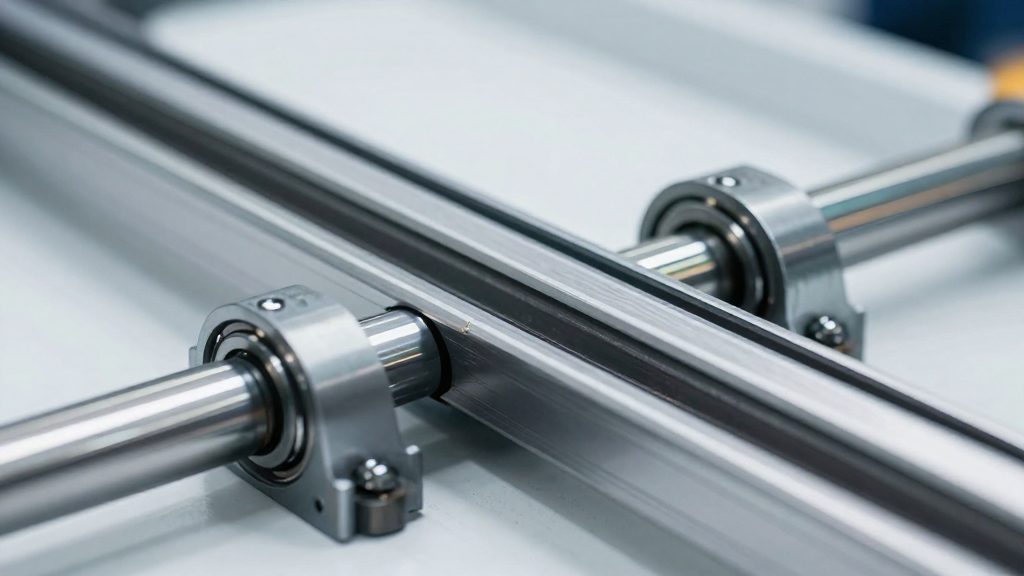
Grease or oil: which is best?
The answer depends on the moving part. Snapmaker gives a different lubricant for each type of motion system on a printer: light grease for the X and Y linear rails, light synthetic oil for smooth rods that run through bearing sleeves, and PTFE grease for the Z lead screws when they carry heavy loads. Snapmaker recommends a different lubricant for each type of motion system, so match the lubricant to the component rather than using one universal product.
Light grease for X and Y linear rails
Linear rails with recirculating blocks are the main case for grease. According to Snapmaker, light grease is the recommended choice for X and Y linear rails. Snapmaker recommends light grease for this application.
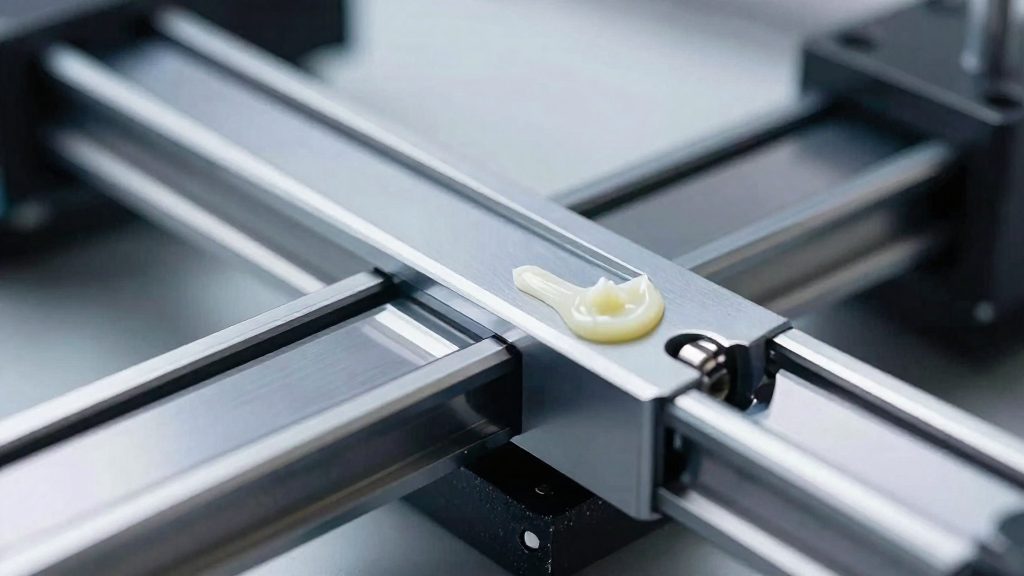
For rails with lube ports, Snapmaker’s procedure uses about 0.1 mL of light grease. On rails without ports, it calls for a thin layer applied directly to the rail surface. Mosaic Manufacturing likewise advises a lithium grease or similar synthetic lubricant on linear rails, though it does not state a quantity.
Light synthetic oil for smooth rods with sleeves
Smooth rods running through bearing sleeves (linear bushings) need a thinner lubricant. Snapmaker recommends light synthetic oil for this setup. Snapmaker recommends light synthetic oil for this setup.
Snapmaker recommends light synthetic oil for this setup, so follow that recommendation for rods with bearing sleeves.
PTFE grease for heavily loaded Z lead screws
Z lead screws bear the weight of the gantry or bed, and Snapmaker recommends PTFE grease for heavily loaded ones.
What lubricants should you avoid?
Household products that look like lubricants can damage a printer’s linear rails. Snapmaker names three common ones to keep away from the X and Y rails, and each fails in a different way.
WD-40 is the most tempting, but it strips the factory grease from the rails. It also leaves a residue that attracts dust, so the rails end up with less lubrication and more grit on the moving surfaces. Because the product is designed to displace moisture and loosen parts, it works against the purpose of a rail lubricant, which is to stay on the surface and keep the carriage moving smoothly.
Cooking oils fail over time rather than immediately. As they age, they harden into a sticky varnish. That varnish collects dust and makes the carriage drag, and it is harder to remove than a fresh film of grease.
Vaseline is the third product to avoid. It can liquefy at heated-bed temperatures. A lubricant that turns to liquid while the printer is hot can move away from the points where the rails and blocks need it.
The common thread is that all three products either remove the grease that is already there, change into a sticky film, or lose their consistency under heat. For suitable options, use the grease or oil types covered in the next part of this guide.
How to lubricate linear rails step by step
Lubricating the linear rails of a 3D printer is a three-stage job: clean, apply, then distribute. The procedure below follows the steps Snapmaker recommends for its own machines and the method Mosaic Manufacturing describes for its printers. Both manufacturers call for a small amount of lubricant, and Snapmaker adds that the rails should be clean before any new product goes on.
Step 1: Clean the rails
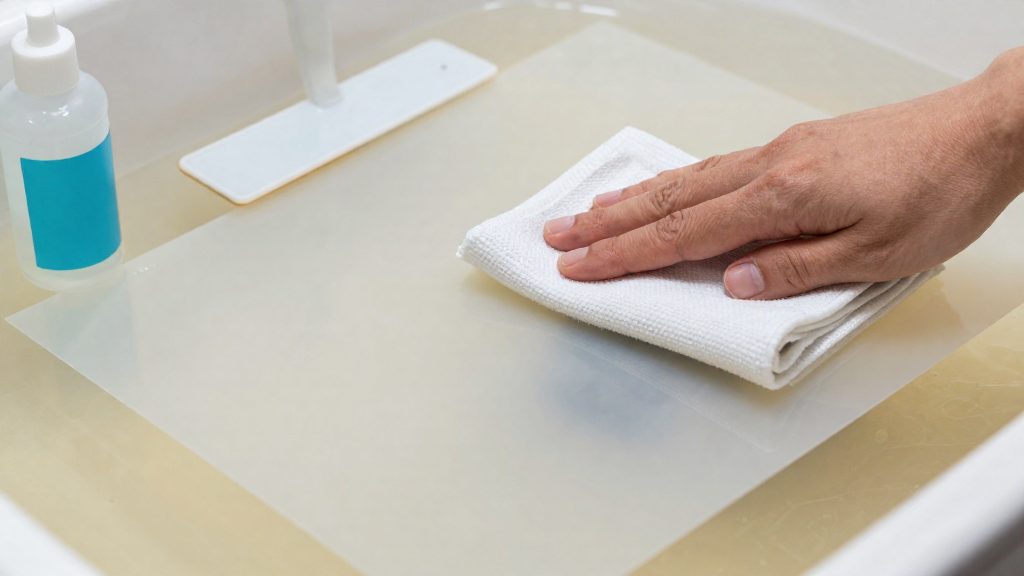
Start by removing the old lubricant and debris. Snapmaker recommends wiping the rails with a lint-free cloth dampened with 99% isopropyl alcohol. Snapmaker specifies a lint-free cloth for this step.
Do not add fresh lubricant over dirty grease. If the existing grease has turned grey or black, has collected dust, or the carriages stick, degrease the rails fully before continuing. Snapmaker says not to put fresh grease over dirty grease.
Step 2: Apply the lubricant
Keep the printer switched off for the whole procedure. The method depends on the rail design:
- Rails with lube ports: apply about 0.1 mL of light grease through the port. Snapmaker specifies this volume for rails with ports.
- Rails without ports: spread a thin layer by hand along the rail.
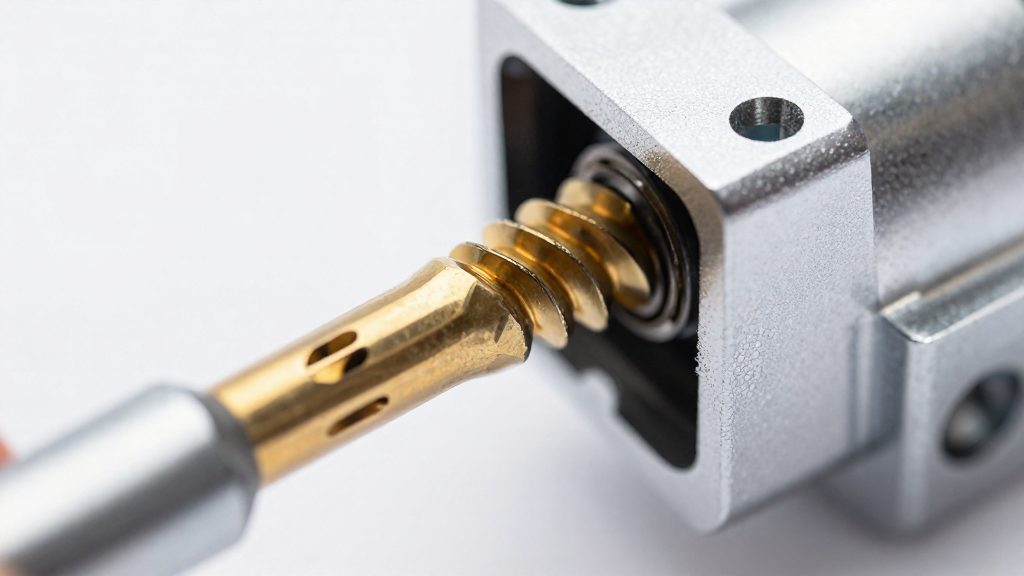
Mosaic Manufacturing’s method uses a syringe or eyedropper to place lubricant into the small eyehole of one X-axis linear block and of the two Y-axis blocks, left and right.
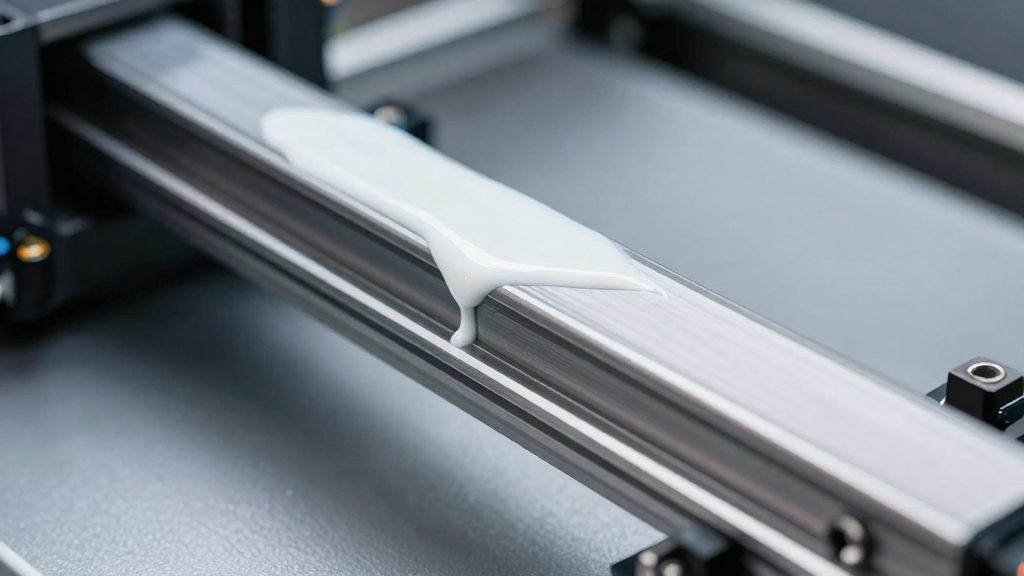
Step 3: Distribute the lubricant
Move the axes through their full range 20 to 30 times.
- For the X and Y axes, move the printhead back and forth across the full travel by hand.
- Wipe off any excess that squeezes out of the carriage after the cycles.
Excess grease attracts dust, so the final wipe is part of the job, not an optional extra.
How often should you lubricate?
Snapmaker suggests servicing the linear rails about every 3 months, or about every 100 km of axis travel, whichever comes first. The distance limit matters most for printers that run long jobs daily, since they can reach 100 km well before three months have passed. A printer that is used rarely will usually reach the 3-month limit first.
Two conditions call for servicing sooner than the standard schedule:
- ABS and ASA printing. Snapmaker says to service the rails earlier when you print these materials.
- Dusty environments. Snapmaker lists dusty environments as a reason to service sooner.
In practice, treat the 3-month and 100 km figures as a ceiling for a clean setup. If your printer runs ABS or ASA regularly, or sits in a dusty room, plan the service before the calendar date arrives. Inspect the rails at each service for gray or black grease, sticking blocks or grinding.
Signs your rails need service
Three symptoms tell you to service the linear rails before the next scheduled interval: grease that has changed color, blocks that stick, and grinding noises during movement. Snapmaker lists all three as reasons to service sooner than the routine schedule, and you can check each one by looking at the rails or moving the axes by hand.
Grease turned gray or black
Check the lubricant on the rails and linear blocks. Snapmaker identifies grease that has turned gray or black as a sign to service the rails early. Snapmaker identifies grease that has turned gray or black as a sign to service the rails early, so clean the rails and regrease them.
Sticking blocks
A healthy linear block slides along its rail without catching. Move each axis by hand through its full range and feel for points where the block resists or hesitates. Note which axis and which block show the resistance. Snapmaker counts sticking blocks among the signs that call for service, so a block that catches at any point in its travel is a trigger for service, not something to monitor on the calendar.
Grinding noises during axis movement
Listen to each axis during a slow manual move, then during a short test move. A grinding sound that follows the axis as it travels is a different signal from ordinary motor noise. Test X, Y and Z one at a time so you can tell which axis is responsible. Snapmaker lists grinding noises as a sign to service sooner, so service the affected rail sooner than the routine schedule.
Mixing greases and switching brands
Snapmaker advises testing grease compatibility before switching brands, and not putting fresh grease over dirty grease.
Snapmaker advises testing compatibility before switching brands:
- Mix equal parts of the old grease and the new grease.
- Inspect the mixture. If it is gritty or separates, the two products are not compatible on that rail.
- If the mix is gritty or separates, fully degrease the rails before applying the new grease.
This test only tells you whether the two products can share a rail. It does not tell you whether the new product suits the axis or the load, which depends on the grease type covered elsewhere in this guide.
Because the switch is the moment when contamination is most likely to be left behind, the rail should be inspected before the new grease goes on.
Frequently asked questions
Which lubricant should I use on my printer’s linear rails?
Snapmaker recommends a light grease for X and Y linear rails, and a light synthetic oil for smooth rods that run in bearing sleeves. Mosaic Manufacturing advises a lithium grease or similar synthetic lubricant, applied in small amounts. For heavily loaded Z lead screws, Snapmaker suggests PTFE grease.
Which products should I keep away from my linear rails?
Snapmaker advises against WD-40, because it strips the factory grease and leaves a residue that attracts dust. It also warns against cooking oils, which harden into a sticky varnish, and Vaseline, which can liquefy at heated-bed temperatures.
How often should I re-lubricate, and how much grease do I need?
Snapmaker suggests servicing about every 3 months or every 100 km of travel, and sooner in dusty rooms or when blocks start to stick. For rails with lube ports, apply about 0.1 mL of light grease after cleaning off the old grease with a lint-free cloth and 99% isopropyl alcohol. Then run the axes through their full range 20 to 30 times with the printer off and wipe off the excess.