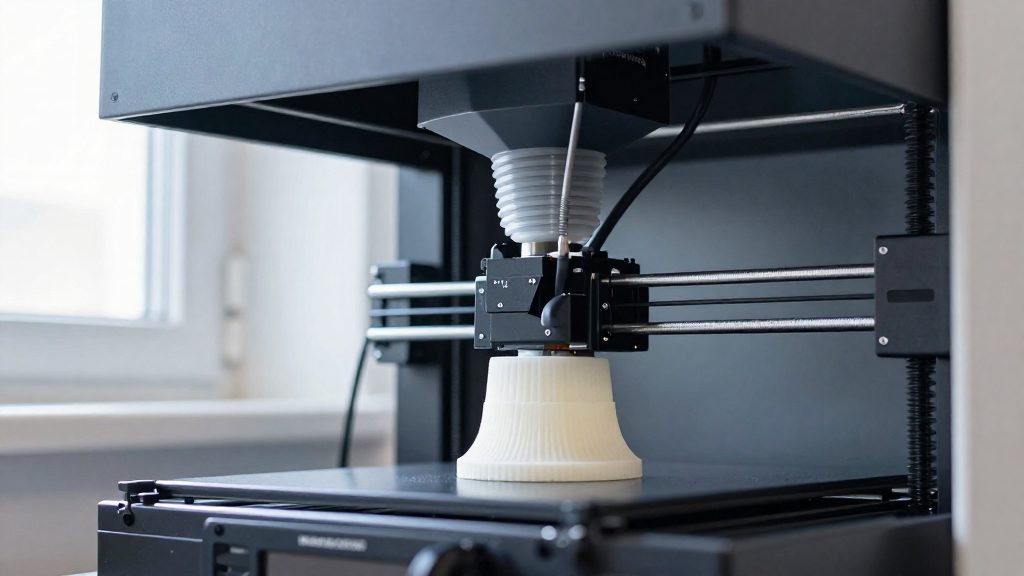
Resin fumes matter in an apartment because the main hazards can’t be detected by smell. According to Creality (manufacturer), resin fumes contain VOCs, and some harmful fumes have no smell at all. A faint or absent odour therefore tells you nothing about whether the air is safe, so ventilation has to be planned around what the printer releases, not around what you can smell.
Why does resin fume ventilation matter in an apartment?
Resin printing releases three distinct kinds of airborne hazard, and they don’t all announce themselves the same way:
- VOCs (volatile organic compounds) are emitted by the resin during printing.
- Odourless compounds are harmful fumes with no smell, so a room that smells neutral can still contain them.
- Ultra-fine particles are released alongside VOCs. Printing with resin (as well as ABS or nylon) produces both VOCs and ultra-fine particles.
Because the odourless compounds can’t be sensed by nose, the absence of a smell is not a reliable signal that the air is clear. Ventilation decisions in a small room should assume the hazard is present whenever the printer is running.
Water-washable resins are not a safe exception
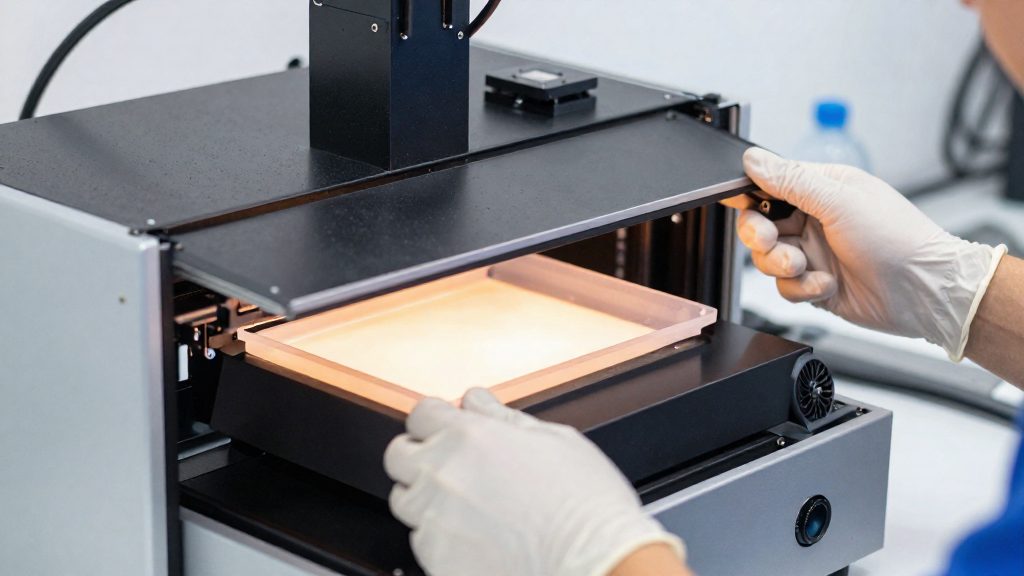
Water-washable resins are often assumed to be harmless because they clean up with water. The guidance is different: they should be treated as hazardous until they have been cured. Uncured resin is the material that matters, so the ventilation plan has to cover the whole workflow, including handling after printing, not only the moment the printer is active.
Why recirculation is a debated option
When a space cannot be vented outdoors, some builders rely on recirculating air through activated carbon instead. One documented cabinet build did this because it had no safe way to exhaust fumes, using VOC sensors to speed up the fan when levels rose. Commenters questioned whether recirculation alone is enough. Carbon filters can capture VOCs, but they do not address the full picture on their own.
Where to put a resin printer in a small apartment
In a small apartment, the room you choose determines how far resin fumes spread. Pick a room with a door you can keep shut, so the printer’s work zone is separated from the hallway, kitchen or living area. A closed door does not contain fumes on its own: it complements the vented enclosure and does not replace it.
Placement rules for a small flat:
- Choose a room with a door you can keep shut for the whole print, and treat that room as the work zone for the printer.
- Keep the printer away from sleeping areas. Do not place it in a bedroom, and avoid any layout where the printer shares one open air space with a bed or sleeping area.
- Do not rely on natural ventilation (an open window) alone, because it is insufficient for resin printing.
Keep the printer out of any room where you sleep or rest.
Enclosure and inline fan: the core setup
The core of a small-space resin setup is a sealed enclosure paired with an inline fan that creates negative pressure inside it. A DIY version uses a grow tent of about 30 × 18 × 36 in (roughly 76 × 46 × 91 cm). The fan pulls air out of the tent so fumes leave through the exhaust instead of spreading into the room. The setup depends on how completely the enclosure is closed, so the build quality matters as much as the fan.
Building the enclosure
The tent forms a closed volume around the printer and is the barrier that contains the fumes. Check every fabric wall, zipper and frame joint before you start printing. Set the printer inside and arrange its cables and tubing before you seal the tent, so you only close the openings once.
How the inline fan creates negative pressure
An inline fan sits in the duct line and moves air outward. When the enclosure is well sealed, the fan removes air faster than it can enter through remaining gaps, so the pressure inside the tent drops below room pressure. Leaks reduce this effect.
Sealing seams and openings
Creality’s guidance states that all seams and openings should be sealed. Check these points:
- Zippers and tent flaps
- Corner and panel seams
- Cable and tubing pass-throughs
- Gaps where the frame meets the floor or ceiling
Sealing is what turns the tent into a negative-pressure enclosure, so each unsealed gap works against the fan.
How do you vent a resin printer through a window?
To vent a resin printer through a window, connect an inline fan on the enclosure to a 4-inch duct and run that duct outdoors through a window adapter, dryer vent or wall duct. Creality describes this DIY setup as a sealed enclosure with an inline fan that creates negative pressure, so air is pulled out through the duct instead of leaking into the room.
Choosing the outlet: window adapter, dryer vent or wall duct
Creality lists three exit options for the duct:
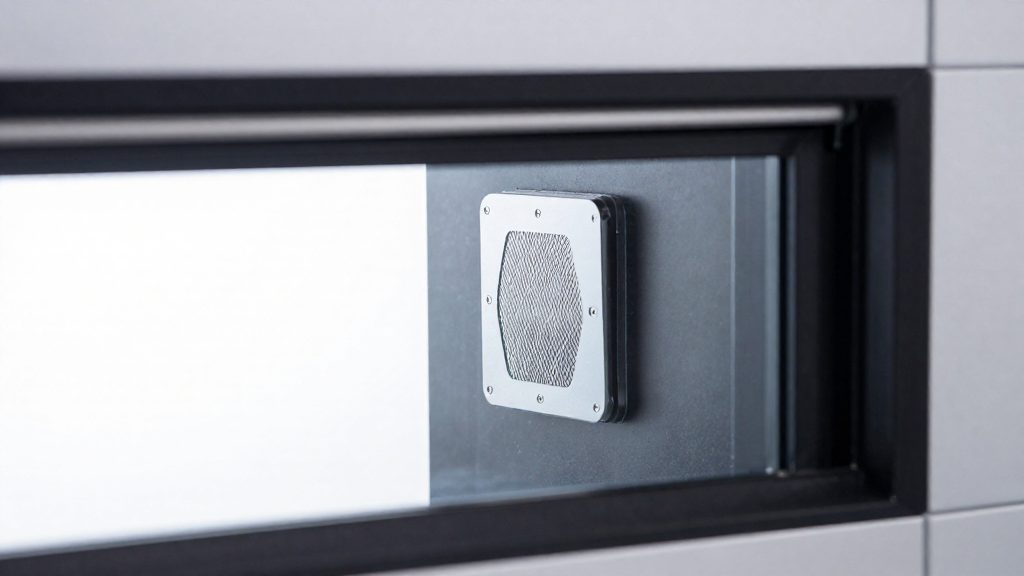
- Window adapter: a panel that fits a window opening and passes the duct through it.
- Dryer vent: an existing exterior vent fitting, which the duct connects to.
- Wall duct: a duct passed through an exterior wall.
Pick the option that gives the shortest, most direct run to the outside. A window adapter generally avoids modifying a wall, while a wall duct requires a permanent opening, so check your lease or ask your landlord first.
Running the 4-inch duct to the outside
Use 4-inch duct from the inline fan to the outlet. Connect each joint and seal it. Connect the inline fan to the duct so that it pulls air out of the enclosure and pushes it outdoors.
Why vent outdoors instead of recirculating indoor air
eufyMake states that natural ventilation is insufficient for resin printing and recommends an externally vented negative-pressure enclosure. Recirculating air through carbon is a workaround one builder used when no exhaust path existed, and commenters questioned whether it is enough. If an outdoor path is possible, venting outdoors removes the fumes from the room rather than returning them to it.
Are carbon filters and air purifiers enough?
No. HEPA and activated carbon air purifiers are supplemental units and do not replace real ventilation, according to Creality (manufacturer). The recommended pattern is a negative-pressure enclosure vented outdoors, with HEPA filtration and carbon filtration added on top.
What each filter stage addresses
| Filter stage | What the sources link it to |
|---|---|
| HEPA filter | Ultra-fine particles (eufyMake) |
| Activated carbon | VOCs, which resin fumes contain (Creality); paired with HEPA in the recommended setup (eufyMake) |
Resin printing therefore produces two separate contaminants. A single filter type addresses only one of them, which is why the recommended setup combines both.
Maintenance of activated carbon
Activated carbon filters need regular replacement, so a carbon stage that is past its service life stops contributing to the setup. Follow the replacement guidance in the purifier manufacturer’s instructions and track the carbon stage separately from the HEPA stage, since each has its own service requirement.
Why smell is not a reliable check
A clean odour after printing does not confirm clean air.
What if you have no window or outdoor exhaust?
When no window or outdoor exhaust is available, the sources describe one alternative: a recirculating build that keeps air inside the enclosure and filters it through activated carbon. A builder fitted a resin printer, an IPA wash station and a UV cure station into an IKEA-cabinet enclosure. According to Hackaday (2026-05-29), there was no safe way to exhaust fumes, so the air is recirculated through activated carbon.
The build uses two main components:
- Activated carbon filtration: the fan draws air through carbon, which captures VOCs before the air returns to the enclosure.
- VOC sensors: these monitor fume levels and raise the fan speed when VOC readings climb, so airflow responds to exposure rather than running at a fixed rate.
The sources do not specify VOC thresholds, fan speeds or sensor models for this build.
PPE and handling habits that reduce exposure
Personal protective equipment protects you while you handle resin, but it does not replace controlling the air. Creality recommends three items for handling resin: nitrile gloves, ANSI Z87.1 goggles and a half-mask respirator with organic-vapor cartridges. Together they cover the hands, eyes and airway during tasks where uncured resin or fumes are present.
- Nitrile gloves: Put them on before opening a resin vat, pouring, refilling, or touching a part that is still wet with uncured resin. Take them off before touching door handles, phones or light switches, so resin does not spread to surfaces you touch later.
- ANSI Z87.1 goggles: Wear them when pouring resin, scraping supports or cleaning parts, since splashes can reach the eyes.
- Half-mask respirator with organic-vapor cartridges: Wear it for resin tasks that release fumes. Some harmful resin fumes have no smell, so base the decision on the task, not on whether you can smell anything.
Habits that keep resin off your skin
Gloves only work if you use them consistently, so build the habit into every step:
- Put on gloves before lifting the print or the vat lid.
- Handle the printed part by its base or edges, and keep the rest of the part away from your face.
- Wipe tools and the build plate with gloved hands, then remove the gloves before touching anything else.
- If resin reaches bare skin, wash the area with soap and water.
- Store gloves, goggles and the respirator in a clean spot away from the printer, so they do not pick up resin residue.
Check the glove and cartridge packaging for glove breakthrough times and cartridge service life.
Frequently asked questions
What does a DIY resin ventilation setup look like in a small apartment?
According to Creality, a sealed enclosure such as a grow tent of about 30×18×36 in, fitted with an inline fan, creates negative pressure. A 4-inch duct then carries the air outdoors through a window adapter, dryer vent or wall duct. Every seam and opening must be sealed, or the negative pressure won’t hold.
Can a HEPA or carbon air purifier replace an outdoor vent?
No. Creality describes HEPA and carbon purifiers as supplemental and says they do not replace real ventilation. Activated carbon filters also need regular replacement to keep working.
What protective gear should I wear when handling resin?
Creality recommends nitrile gloves, ANSI Z87.1 goggles and a half-mask respirator fitted with organic-vapor cartridges. This applies to handling resin, not only to the moment the printer is running.