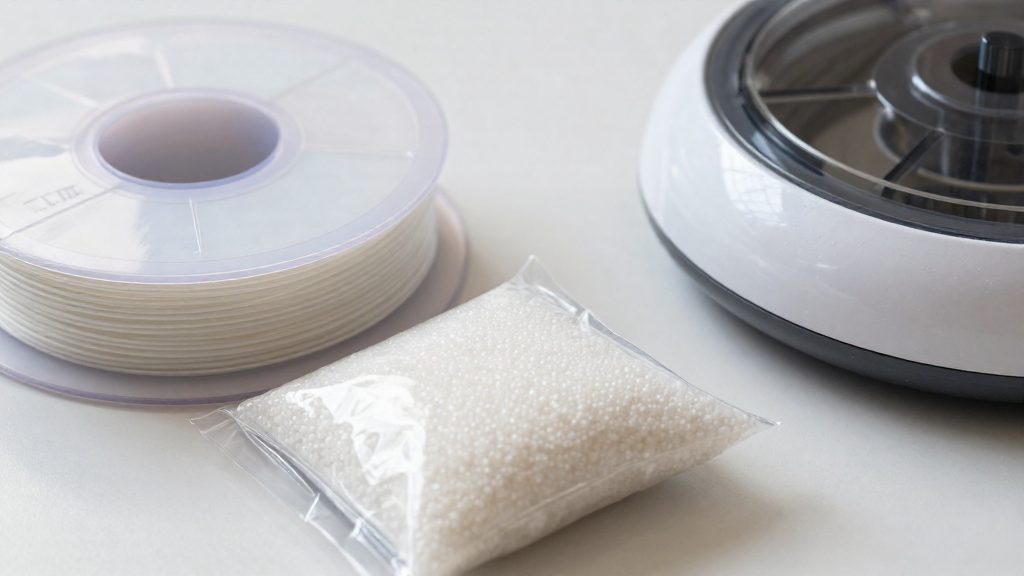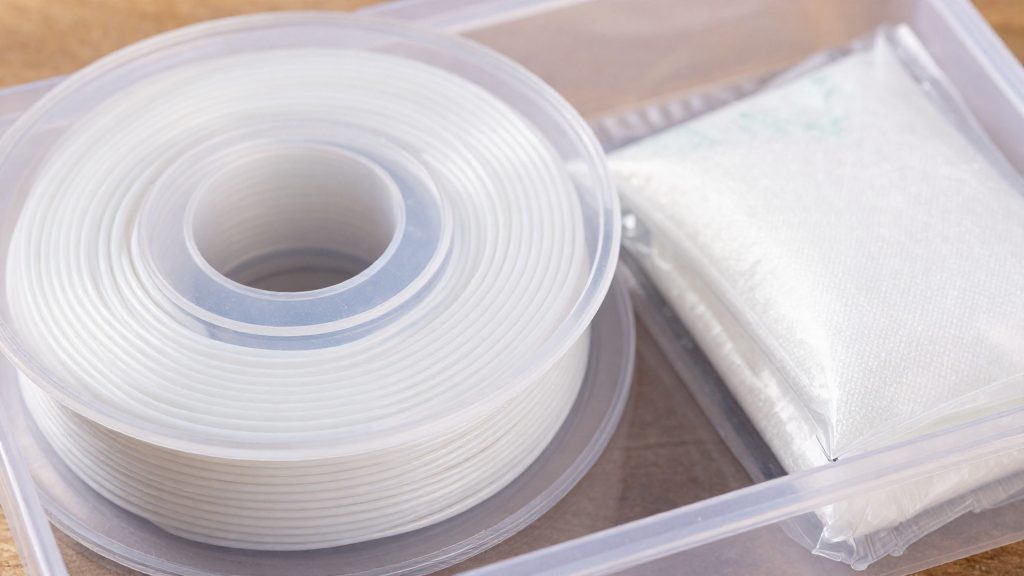
PLA filament does not have a hard expiry date that makes it unusable on a fixed day. It degrades gradually, and how long it stays printable depends mainly on how it is stored, especially its exposure to moisture. The practical question is whether a given spool still prints cleanly.
Does PLA filament actually expire?
Degradation is gradual, not a fixed date
PLA does not switch from good to bad on a set day. Its condition declines with exposure, and the rate depends on the environment around the spool. Moisture is the main factor.
The figures in this section come from Snapmaker (manufacturer, 2026), JLC3DP (manufacturer/service, 2026) and 3DPrinterly (2026). Each gives a range for usable life, not a guarantee.
Usable life depends on storage
Once a spool is opened, its usable window is set largely by storage conditions. The published ranges are:
| Condition | Reported usable window |
|---|---|
| Opened, typical storage | About 3–6 months |
| Opened, careful storage | Up to 1–2 years |
| Left out in a humid climate | Soft, brittle or popping within a few weeks |
Signs that a spool is past its window
Rather than relying on the calendar, check the filament itself. If a spool snaps during feeding or pops during extrusion, treat moisture as the likely cause, even when the spool is within the stated range. JLC3DP (2026) suggests drying the filament at about 45–50°C for 4–6 hours, then re-testing it before discarding. Replace the spool if the symptoms persist after drying, and expect spools left out in humid conditions to show them most often.

How long does PLA last unopened?
Unopened PLA is generally said to last 1–2 years in its original sealed packaging, according to Snapmaker (2026). Under perfect storage, that window extends to about 3 years according to Snapmaker (2026), while JLC3DP (2026) says sealed, dry PLA can last 2–3+ years. Treat these figures as approximate.
The main threat to a sealed spool is moisture.
Conditions that keep a sealed spool closer to the upper bound:
- Leave the filament in its sealed bag or an airtight container until you are ready to print.
Another source, JLC3DP (2026), reports that sealed, dry PLA can last 2–3+ years, so published estimates differ. Snapmaker gives 1–2 years as the general figure, while JLC3DP gives 2–3+ years for sealed, dry PLA. Treat 3 years as achievable with very good storage, not as a strict upper bound. The gap between the two comes down to how well the seal and the storage environment keep moisture out.
Unopened and opened spools are separate cases
The 1–2 year range applies only while the filament remains sealed. Once the bag is opened, the spool begins exchanging moisture with ambient air, and the unopened figures no longer apply. Track the two as different clocks: a spool that has been opened and left out has a shorter remaining life than a sealed one of the same age.
How long does opened PLA last?
Opened PLA usually stays usable for about 3–6 months under ordinary storage, according to Snapmaker (2026). The open-spool window starts when the spool leaves its sealed bag, so every week it sits out between prints counts toward that limit. Careful storage can stretch the life to roughly 1–2 years, which makes storage the main factor you control.
Environment matters more than elapsed time.
| Storage condition | Expected usable life after opening |
|---|---|
| Ordinary storage | About 3–6 months |
| Careful storage | About 1–2 years |
| Left out in a humid climate | Within weeks |
The storage conditions above determine which row applies to your spools.
Why moisture is the real problem
Moisture is the main enemy of PLA. According to Snapmaker (2026), the material absorbs water from the surrounding air, and that water changes how the filament behaves in the printer. PLA is hygroscopic, which means it draws in moisture whenever it is not kept sealed, and the damage builds up in the filament itself, not only on its surface.
The first effect is mechanical. Absorbed water makes the filament brittle, so it can snap while being fed from the spool into the extruder. A snapped filament stops the print, and a feeding failure can look like a printer fault. Moisture is one possible cause, so also rule out mechanical ones.
The second effect appears at the hotend. Water trapped inside the filament causes poor print quality once the material is heated, a problem 3DPrinterly (2026) links directly to the material’s hygroscopic nature. Because the damage is cumulative, a spool that printed cleanly when new can degrade gradually if it is left exposed between sessions.
The table below summarises how the same moisture problem shows up at each stage.
| Stage | Condition | Result |
|---|---|---|
| Exposure | PLA left unsealed in ambient air | Absorbs water |
| Feeding | Water makes the filament brittle | Snaps in the feed path |
| Heating | Trapped moisture reaches the hotend | Poor print quality |
How can you tell PLA has gone bad?
A PLA spool that has absorbed moisture can show signs such as the filament snapping while feeding, popping when heated, and lower print quality after heating. Checking for these signs tells you whether a spool is compromised before you change slicer settings or hardware.
Signs on the spool itself
PLA left in humid conditions can change visibly. Check the spool for:
- Filament that feels soft or brittle when handled
- Strands that crack or snap when bent, instead of flexing
- A spool that was left open in a humid room, garage or basement
Filament snapping while feeding
Snapping during feed is a common sign of a compromised spool. A break on a spool that was exposed to humid air suggests moisture, but also rule out a mechanical cause, such as a jam or a tight feed path.
Popping sounds during heating
Listen for small crackles or pops during extrusion. The absence of popping is not proof that the filament is dry. Also check for brittleness and for print quality.
Poor print quality after heating
Signs include uneven extrusion and prints that look weaker or rougher than the same model printed from dry filament. If quality is inconsistent across a single spool, moisture in the filament is one possible cause, so dry the spool and also check other causes.
| Sign | When it appears | Stated cause |
|---|---|---|
| Soft, brittle or popping strands | Spool stored in humid air for a few weeks | Moisture absorption (JLC3DP, 2026) |
| Snapping during feed | Filament entering the printer | Brittleness from absorbed water (Snapmaker, 2026) |
| Popping sounds | Filament heating in the hotend | Trapped moisture (3DPrinterly, 2026) |
| Poor print quality | After filament is heated | Trapped moisture (3DPrinterly, 2026) |
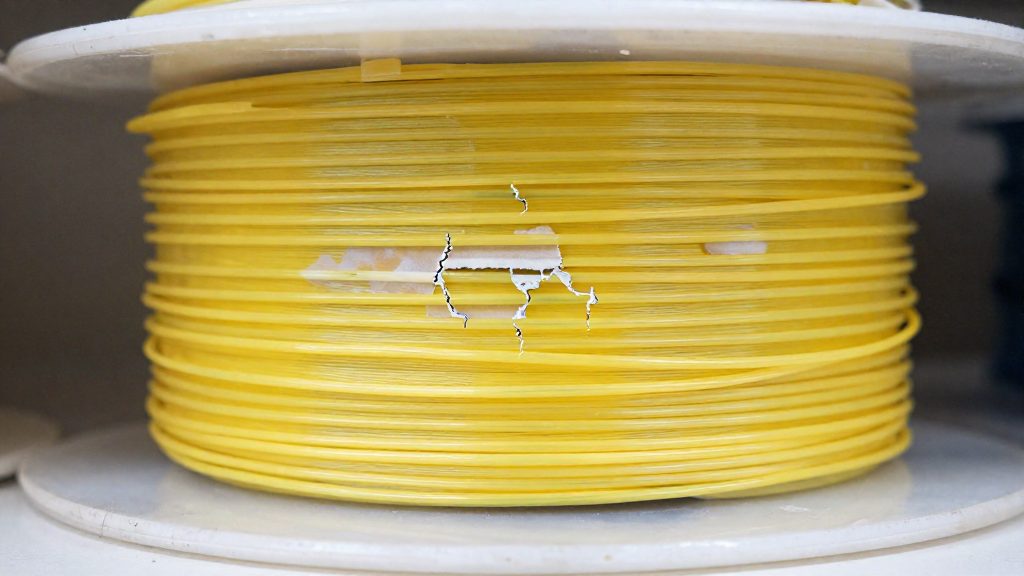
Can you dry and rescue wet PLA?
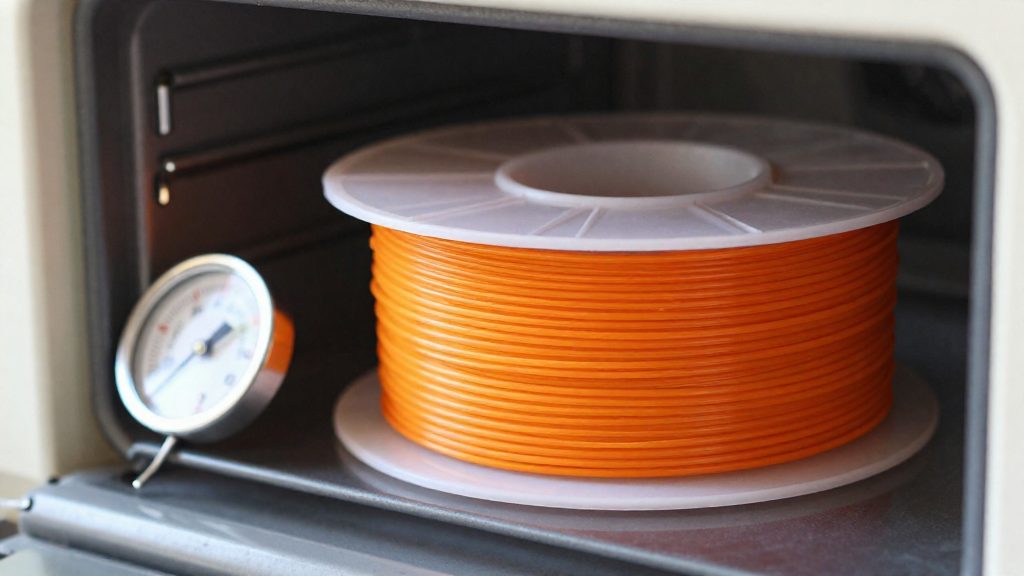
Wet PLA can be dried with a low, controlled heat cycle. JLC3DP (2026) suggests about 45–50°C for 4–6 hours. Stay within the suggested range rather than raising the temperature to shorten the cycle.
Choosing drying equipment
Three types of equipment fit the recommended range:
- Filament dryer: a unit made for spools, and the most direct option.
- Food dehydrator: a low-temperature appliance that can hold the same range.
- Low-temperature oven: usable, but it needs the most checking before you start.
Running the thermometer check
Kitchen ovens often run hot, so the same guidance recommends a thermometer check before any filament goes in. Use this sequence:
- Place a thermometer in the centre of the empty oven.
- Set the oven to the target, then wait until the temperature stabilises before reading.
- Adjust the setting until the reading sits within 45–50°C.
- Load the spool only after the reading holds in range.
The same check applies to a dehydrator if its dial does not show a verified temperature.
What drying can and cannot promise
Treat the 4–6 hour window as the starting point for the procedure, and judge the result by how the filament feeds and prints afterwards.
How should you store PLA in Canada?
Indoor humidity can vary with the season and your home, so judge the conditions in your own space and keep spools sealed. According to Snapmaker (2026), the recommended setup is an airtight container or vacuum bag with silica gel, kept in a cool, dark place at about 20–25°C. The spool should be sealed as soon as you finish a print session or open a new roll.
| Storage element | Recommended condition |
|---|---|
| Container | Airtight box or vacuum bag |
| Desiccant | Silica gel placed inside the sealed container |
| Temperature | About 20–25°C |
| Light | Dark location |
| Location to avoid | Humid garages and basements |
Setting up a storage spot
Choose a shelf in a room with stable temperatures, such as a closet inside the main living area, rather than a space that sees daily humidity swings. Humid garages and basements are the locations the manufacturer flags as unsuitable, so avoid them even if they seem convenient for a printer setup.
Sealing the spool correctly
Place the spool in the container together with the silica gel, then close the lid fully or seal the vacuum bag. Check that the seal is intact before you return the container to the shelf. A loose lid defeats the purpose of the silica gel, because the gel can only absorb moisture that is kept inside the sealed space.
Keeping the spool in its storage condition between prints
Return the spool to its container immediately after printing, rather than leaving it on the printer overnight. Leaving a spool exposed for extended periods allows it to take up moisture from the room air.
When should you replace a spool?
A spool should be discarded when it still feeds brittle or erratic filament after a full drying cycle, or when its age has passed the lifespan range for how it was stored. The published ranges used here come from Snapmaker (2026) and JLC3DP (2026).
Spools that still fail after drying
The drying cycle is the first test. Dry the filament at about 45–50°C for 4–6 hours in a filament dryer, food dehydrator or low-temperature oven. Check the oven with a thermometer first, because kitchen ovens often run hot. If the setting is off, the result tells you nothing about the filament.
After a complete cycle, feed a short length through the extruder. If it still snaps while feeding, the brittleness is not coming from surface moisture that a single session can remove. A spool that stays brittle after proper drying has either absorbed too much water or has another problem. Use the post-drying feed test as the decision point. If the filament still snaps or pops after the cycle, replace the spool.
Comparing spool age with lifespan ranges
Age alone does not decide the question, because the published range depends on storage. Compare the spool’s age and storage method against the figures below.
| Spool condition | Published range | Decision point |
|---|---|---|
| Opened, ordinary storage | About 3–6 months | Within range, test before use. Past it, dry and test, and replace if drying does not restore the filament |
| Opened, carefully stored | Up to 1–2 years | Within range, test before use. Past it, replace if drying does not restore the filament |
| Opened, left out in a humid climate | Soft, brittle or popping within a few weeks | Dry and test, and replace if it stays soft or brittle after drying |
| Sealed and dry | 2–3+ years | Keep stored dry; test before use if it has been opened or exposed |
A spool that is past its range and fails drying should be replaced rather than run through more drying cycles.
Frequently asked questions
Can I still print with a PLA spool I opened a year ago?
It depends on how it was stored. A spool kept in an airtight container with silica gel can remain usable after a year, but one left on a shelf in a humid room is much less likely to be. Dry it first, then run a short test before starting a long print.
Does PLA expire if I never open the spool?
Sealed PLA ages much more slowly than opened PLA, because the packaging keeps moisture out. Keep the spool in its original bag or an airtight container until you start printing, and do not store it in a humid garage or basement.
Can I dry PLA in a kitchen oven?
Yes, if you use a low-temperature oven set to about 45–50°C for 4–6 hours. Kitchen ovens often run hotter than their dial shows, so check the actual temperature with a thermometer first. Do not raise the heat to shorten the cycle.