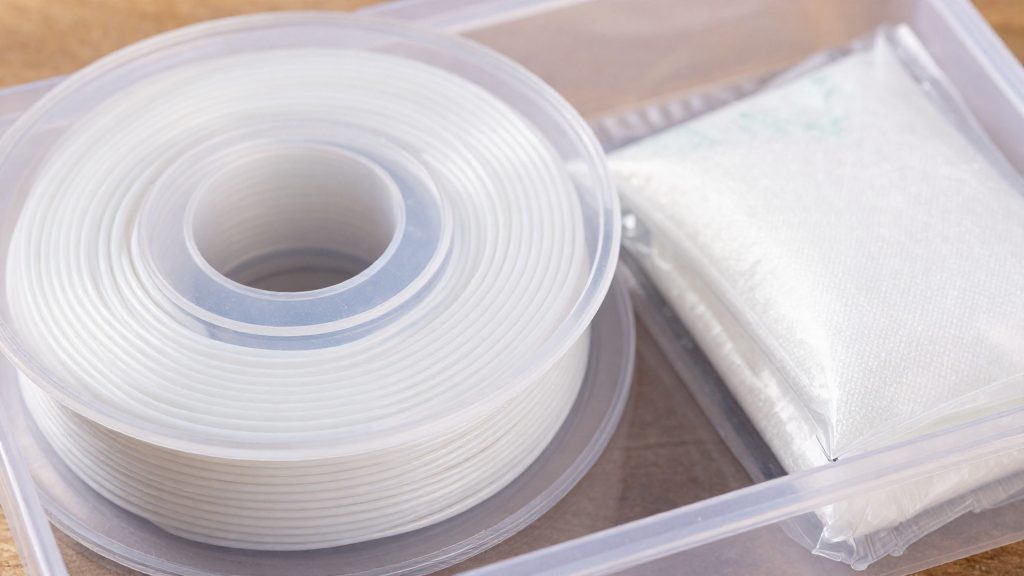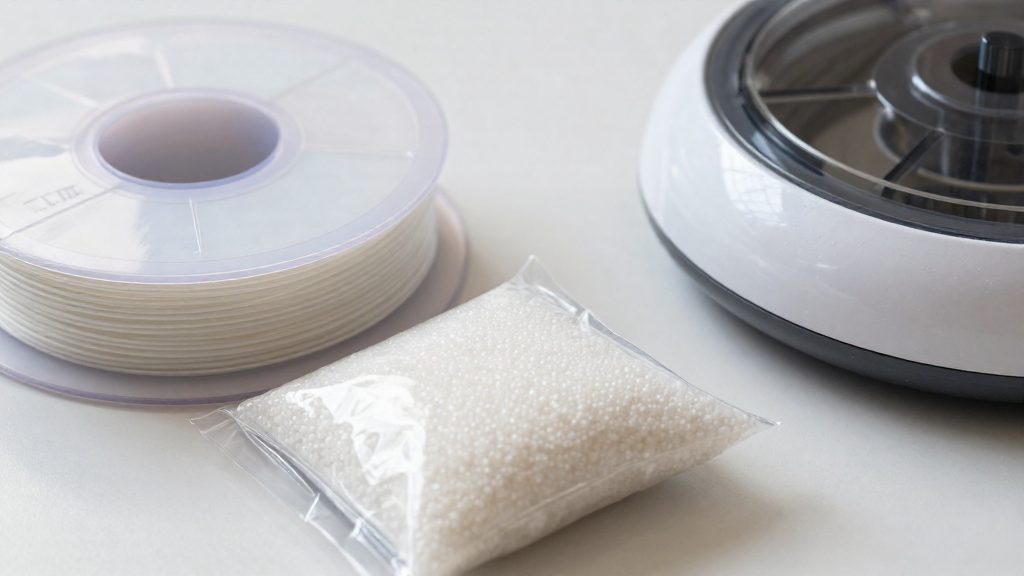
PLA is hygroscopic: it slowly takes up moisture from the surrounding air. Water vapour then moves into the filament over time, so a spool left open gradually gains moisture. This is why storage advice for PLA focuses on keeping the filament sealed away from ambient air.
Why does PLA absorb moisture?
Hydrophilic structure of PLA chains
PLA is a polyester and is hygroscopic, meaning it takes up water from the air. Moisture can work its way into the filament rather than staying only on the surface of the spool.
How ambient vapour diffuses into filament
Water in the air reaches the filament as vapour and moves inward through diffusion, a gradual process driven by the difference in water content between the air and the material. The outer layers of the strand are exposed first, and the water then works its way into the filament. The rate depends on the humidity of the surrounding air and on how long the filament stays exposed, so the same spool can be affected very differently depending on where it is stored.
Why exposed spools gain moisture over time
An open spool gives vapour a continuous path to the filament, so its moisture content rises the longer it stays exposed. A sealed container interrupts that path.
Signs your PLA filament is wet
Moisture in a PLA spool shows up in three places: on the surface of the printed part, in the sound the extruder makes, and in the strength of the finished piece. Judge by what the print shows rather than by a moisture number.
| Symptom | Where you see or hear it | Quick check |
|---|---|---|
| Stringing, oozing and blobs | Fine threads between separate features, small bumps on surfaces | Print a stringing test with the suspect spool, then with a fresh spool or the same spool after drying, using the same profile |
| Popping or crackling | At the extruder, while the filament feeds | Listen to the extruder with the spool still, then during feeding |
| Rough surface and weak layers | Grainy or dull outer walls, layers that separate | Flex a thin test piece and compare it with a part from a fresh spool |
Stringing, oozing and blobs
These are the most common signs. Thin threads of plastic appear between parts when the nozzle travels, and small bumps form where the extruder pauses, such as at the start or end of a perimeter. Wet filament also leaves a film of material around the nozzle tip. If these defects appear on a spool that was previously printing cleanly, and retraction settings have not changed, moisture is a likely cause.
Popping or crackling during extrusion
A popping, crackling or hissing sound from the hotend can indicate wet filament, although a partial clog or contamination can produce similar symptoms, so confirm by comparing with a dry spool. It is most noticeable during feeding, and it often comes with small bubbles or gaps in the extruded line. Stop the print, then listen to the extruder with the spool still and again during feeding to confirm the sound comes from the filament.
Rough surface finish and weakened layer bonding
Wet PLA can give outer walls a fuzzy or grainy look instead of a smooth, glossy one, and layer bonding may be weaker, although print settings and temperature can cause the same effects. Compare a suspect part with one printed from a fresh spool before concluding that moisture is the cause. Compare a suspect part with one printed from a fresh spool, since the difference is easier to see side by side than in isolation.
What is the best way to store PLA filament?
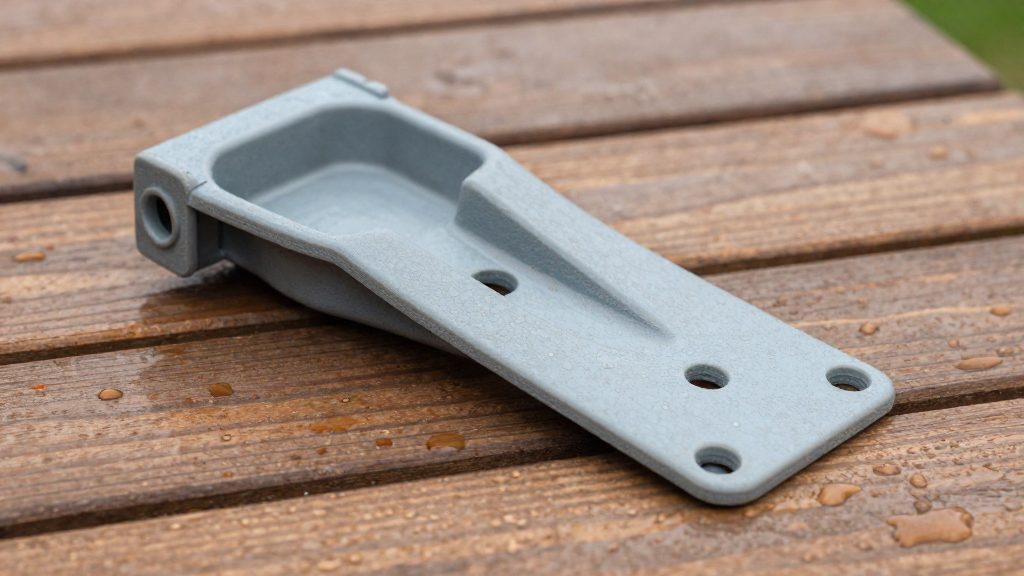
Store PLA spools in a cool, shaded spot away from any heat source. Heat matters too: according to Prusa Research (2026), PLA softens and deforms above 60 °C, so a spool kept in very hot conditions is at risk. Between prints, the everyday goal is to keep the spool at room temperature and out of direct light.
Keep spools out of direct sunlight
Direct sunlight can heat a spool well above the temperature of the room around it, so avoid these spots:
- Windowsills and any shelf that receives sun for part of the day
- Surfaces near glass doors or skylights
- Open shelving directly under a sunny window
A closed cabinet or a shelf on an interior wall keeps the spool shaded and at a steadier temperature.
Avoid hot spots around the printer
Printer enclosures and radiators are the most common heat sources in a home printing area. Do not leave spools on top of an enclosure, inside an enclosed printer cabinet while it is running, or against a radiator. Each of these can raise the spool’s temperature, and PLA softens and deforms above 60 °C.
Place spools on a separate shelf or a storage cabinet within the room, not on the printer itself.
Hand contact does not measure spool temperature: a spool can feel warm well below 60 °C, or exceed 60 °C without any obvious sign. Use a thermometer to read the shelf or spool surface instead, and keep the reading well below the 60 °C softening point.
Quick placement checklist
- Choose a shelf in a room with a steady temperature.
- Keep the spool out of sun-exposed positions.
- Keep it off the printer, enclosure and radiator surfaces.
- Return the spool to its shelf immediately after a print so it is not left on a warm desk.
Desiccants and humidity targets
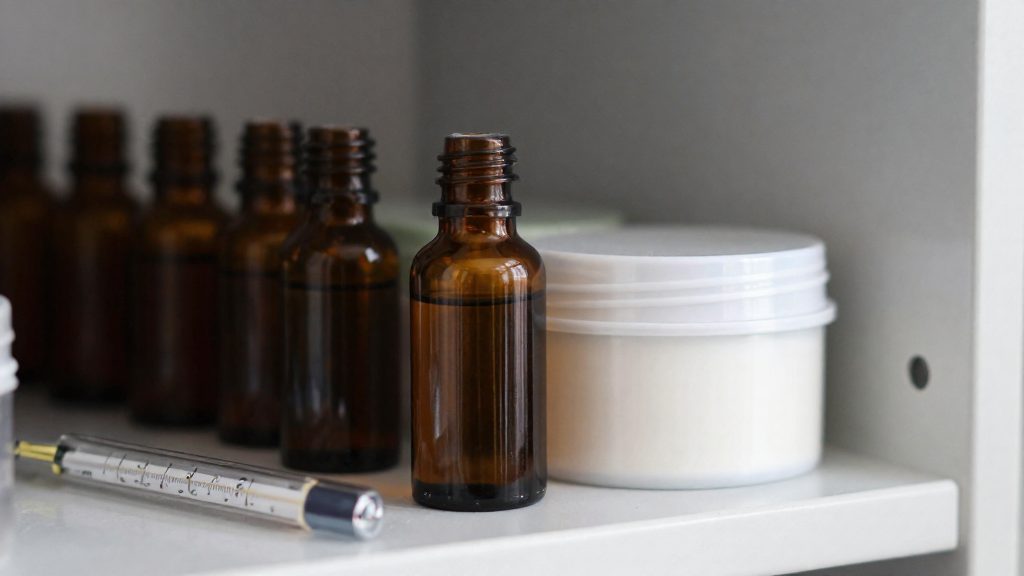
For opened PLA, the target is a relative humidity of about 20% or lower inside the storage container. According to Flashforge (2026), this level applies once the filament is out of its original sealed packaging, which is when moisture uptake becomes a practical concern. Reaching that target depends on two things: a hygrometer that shows the actual condition inside the box, and desiccant that still absorbs moisture.
Holding and replacing silica gel
Indicating silica gel changes color when it becomes saturated, so its color is the first visual check. Hold it in a breathable holder or mesh bag rather than loose on the bottom of the container. Regenerate it according to the supplier’s instructions before it is fully saturated, because a saturated desiccant no longer lowers the humidity inside the box.
Monitoring the container
Compare the settled reading against the 20% target, and keep the lid closed whenever you are not taking filament out. If the reading stays above the target, check the silica gel color and the seal of the container.
| Check | Target or sign | Action |
|---|---|---|
| Relative humidity inside container | About 20% or lower | Keep the container closed |
| Silica gel color | Changed (saturated) | Regenerate per supplier instructions |
Sealed bag or dry box: which is better?
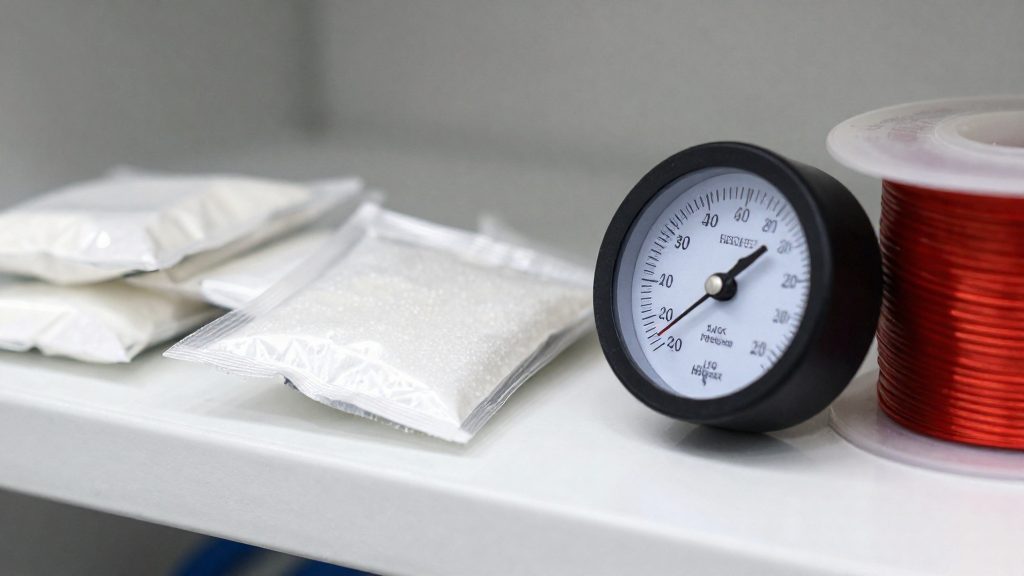
The number of spools you have open at the same time decides the container. For one or two opened spools, a sealed bag with desiccant is enough. For several opened spools, a dry box with a hygrometer is the better choice, according to Flashforge (2026). The hygrometer is what separates the two setups: it shows the humidity inside the container, so you can confirm the storage conditions instead of assuming them.
PLA and PETG usually do well in sealed bags or airtight boxes, as long as the desiccant is fresh. The table below summarises which container fits which situation.
| Container | Best suited for | Key component |
|---|---|---|
| Sealed bag | One or two opened spools | Desiccant |
| Dry box | Several opened spools | Hygrometer |
| Airtight box | PLA and PETG | Fresh desiccant |
Placing the hygrometer in a dry box
In a dry box, the hygrometer belongs inside the sealed container, not outside it. Read it after the box has been closed for a while, not immediately after closing the lid, because that first reading does not show whether the seal is working.
How do you dry PLA that is already damp? Follow the supplier’s figures
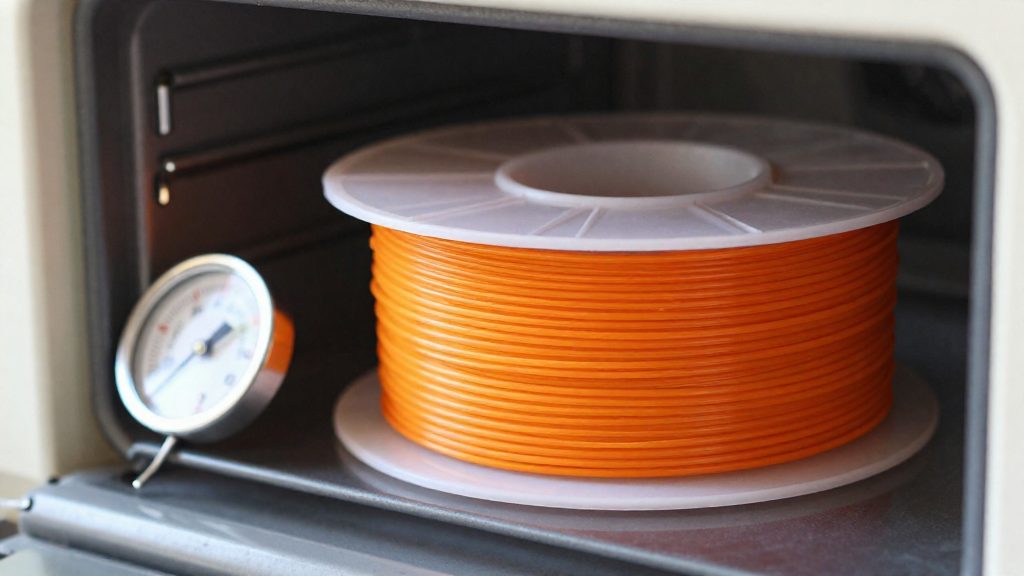
Drying damp PLA means balancing two risks. The filament has to lose enough moisture to print cleanly, but the spool can’t be heated past what it tolerates. The starting point is the supplier recommendation for that specific filament. According to Flashforge (2026), the drying temperature should follow the filament supplier’s guidance, because the right heat depends on the material and how the spool is built.
Both directions carry a cost. Too little heat may not remove enough moisture, so the filament keeps the water it absorbed and continues to cause defects during printing. Too much heat can deform the spool or damage the filament itself. Both too little and too much heat cause problems, so the temperature needs careful control.
PLA is the most heat-sensitive case. Prusa Research (2026) notes that PLA softens and deforms well below the temperatures used for many other filaments, and this applies to a hot drying setup as much as to any other hot environment. A drying device that runs above the supplier’s value can soften the spool before moisture is removed, so the device setting needs particular care.
Take the drying time for damp PLA from the supplier’s own documentation.
| Device setting vs. supplier value | Likely result | Action |
|---|---|---|
| Below supplier value | Moisture may remain in the filament | Raise the setting to the supplier value |
| At supplier value | Recommended drying condition | Keep the setting and check the spool afterwards |
| Above supplier value | Spool deformation or filament damage | Lower the setting to the supplier value |
Adjusting PLA storage checks through the year
Adjust your storage across the year. Indoor humidity can shift with the seasons, which changes how long an opened PLA spool can stay out before it needs a better container.
Tracking indoor humidity through the year
A hygrometer is the only direct way to see seasonal change. Compare the container reading at the start of each month. A value that climbs from one month to the next points to a seal or desiccant that needs attention.
How seasonal exposure changes the storage choice
The time an opened spool spends exposed depends on where it sits and how often the printer runs:
- Spools on an open printer are exposed to room air for the full length of a print, so they need the most frequent checks.
- Spools in a closed cabinet near the printer see less exposure, but the cabinet still needs a reading to confirm conditions.
| Seasonal check | Action |
|---|---|
| Hygrometer reading inside the container | Compare with the previous month’s reading in the same container |
Reviewing these checks each season tells you whether the storage method still fits the conditions in your room, or whether the spool count has grown enough to justify a dry box.
Frequently asked questions
Can I dry PLA in a kitchen oven?
A dryer with a controllable setting lets you apply the temperature recommended by the filament supplier, which is the safer option for drying PLA.
What should I do when my silica gel is saturated?
Regenerate the indicating silica gel according to the supplier’s instructions before it is fully saturated. Keep it in a breathable holder or mesh bag rather than loose in the container, so the beads cannot spill onto the spool.
My PLA still prints badly after drying. Is moisture still the cause?
Not necessarily. Nozzle temperature, retraction settings, or a partial clog can produce the same surface defects and stringing as wet filament. Check your print settings and nozzle before you blame the spool.