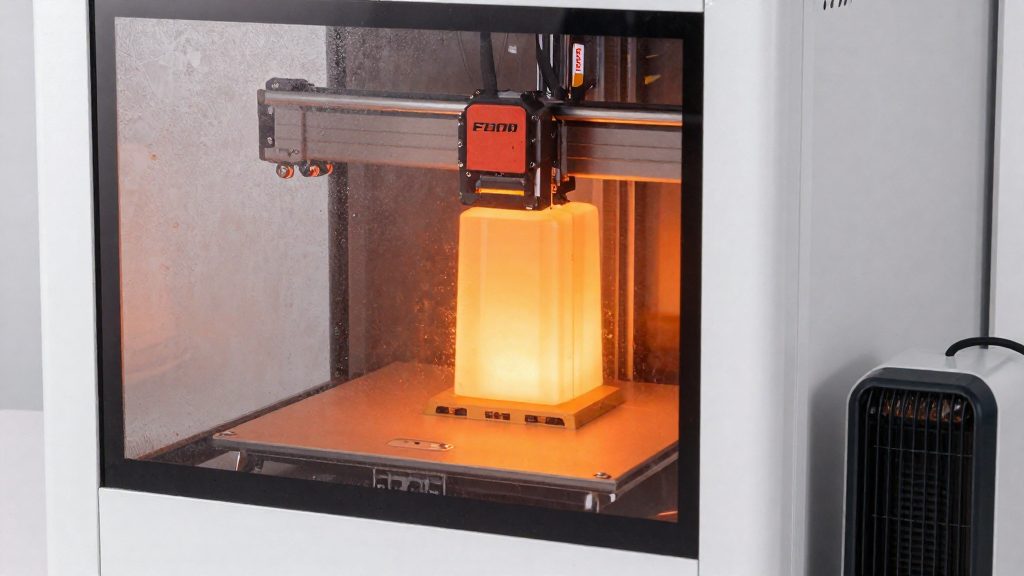
Why does cold weather hurt 3D printing?
Cold weather hurts 3D printing because the printer needs its nozzle, bed and printed part to stay at a steady temperature, and cold air pulls heat away faster than the printer can replace it. The problem shows up as warping, weak layer adhesion and inconsistent extrusion. According to 3Dprinterly (2023), a heated enclosure or temperature-controlling barrier is the main fix for printing in a cold room, and temperature stability matters more than the exact temperature.
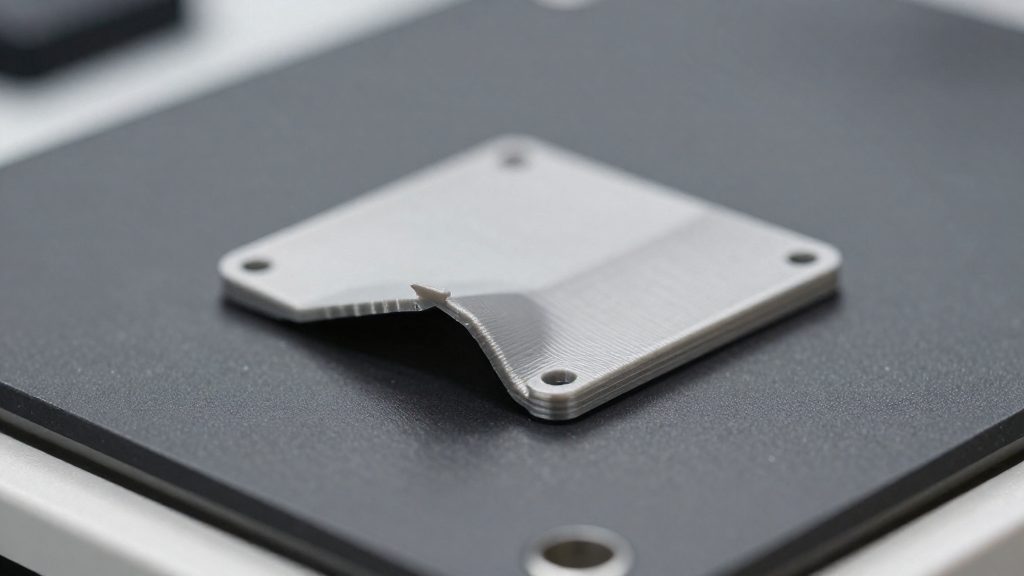
Warping from uneven cooling of printed layers
Each layer of molten FDM filament shrinks as it cools. When one part of a print cools faster than another, the difference in contraction pulls corners and edges upward, which is warping. Cold air moving across a part makes this more likely, because exposed edges lose heat before the centre does.
PLA is the most forgiving filament in cool conditions. Prusa Research (2024) states that the CORE One chamber, which can reach 55 °C, suits ASA, ABS, PC and Nylon, so these materials are generally printed in a heated chamber.
Cold drafts reaching the nozzle and bed
Drafts can reach the hotend and the print bed even when the room itself feels mild. Heat lost at the nozzle changes how easily filament flows, which can cause under-extrusion, and a cold bed cannot hold the first layer at the temperature it needs for good adhesion. Practical steps:
- Place the printer away from doors, windows and heating or air-conditioning vents.
- Use an enclosure or a draft shield around the printer.
- Watch the first layers closely after the print starts, since problems usually show there first.
Reduced layer adhesion at low ambient temperature
Layers bond when the previous layer is still warm enough to fuse with the new one. In a cold room, each layer cools before the next arrives, so the bond between layers is weaker. This is why parts printed in cold conditions can split along layer lines under light stress.
Resin printers are less sensitive to temperature than FDM printers, but cooler temperatures can still reduce print quality (3Dprinterly, 2023).
Chamber requirements vary by material: PLA tolerates the coolest rooms, while ASA, ABS, PC and Nylon need the heated chamber of the Prusa CORE One.
| Material | Chamber requirement | Source |
|---|---|---|
| PLA | Most forgiving filament, with about 15°C (59°F) as a workable low. The CORE One fans cool the chamber. | 3Dprinterly (2023); Prusa Research (2024) |
| PETG | No extra chamber heat needed on the CORE One; fans cool the chamber. | Prusa Research (2024) |
| ASA, ABS, PC, Nylon | The CORE One chamber reaches 55 °C. | Prusa Research (2024) |
| Resin (general) | Less sensitive to temperature than FDM, but cooler temperatures can still reduce print quality. | 3Dprinterly (2023) |
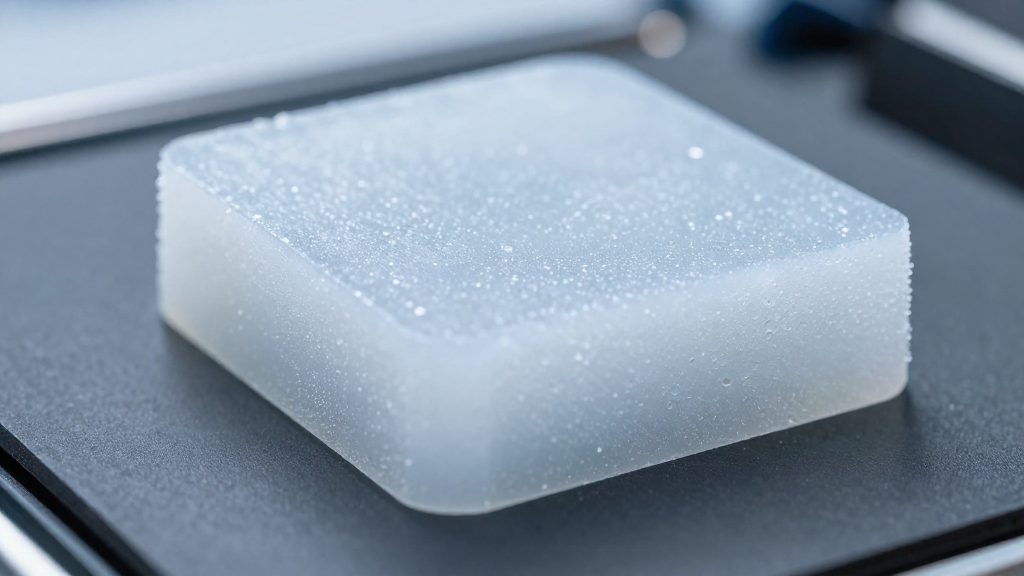
Do you need an enclosure for a cold room or garage?
Whether you need an enclosure depends on three things: the filament you print with, the printer technology, and the temperature of the room where the printer sits. The season matters only because it lowers that room temperature. Check the temperature in your own space rather than assuming it.
Filament type sets the threshold
PLA is the most forgiving filament, and about 15 °C (59 °F) is its workable low (3Dprinterly, 2023). About 15 °C is described as a workable low for PLA, so a room at or near that figure is where PLA printing starts to become marginal; stability of the temperature still matters more than the exact value. A garage, basement or workshop that regularly drops under 15 °C (59 °F) is the situation where an enclosure starts to matter for PLA on an FDM printer; check your own space’s temperature.
Resin printers are less sensitive
Resin printers are less sensitive to temperature than FDM printers, but cooler temperatures can still reduce print quality (3Dprinterly, 2023). A cold room is therefore a quality risk for resin rather than a simple go or no-go decision. If resin prints come out worse on cold days, the practical responses are moving the printer to a warmer spot or adding a temperature-controlling barrier.
Deciding for your setup
- Note the lowest room temperature where the printer sits during the cold season.
- If you print resin and the temperature is only occasionally low, watch for quality loss before investing in an enclosure.
Ready-made or DIY enclosure?
The choice between a ready-made enclosed printer and an open-frame machine with a home-built enclosure depends on how much temperature control you want built in. Both routes aim at a stable chamber temperature, but they differ in how much of the work is already done for you.
Fully enclosed printers with active temperature control
A fully enclosed printer such as the Prusa CORE One builds the chamber and its temperature management into the machine. According to Prusa Research (2024), the chamber can reach 55 °C. Because the enclosure is part of the design, you do not have to assemble the barrier yourself.
Retrofitting an open-frame printer with a DIY enclosure
An open-frame printer can be placed inside an enclosure built around it. The enclosure takes on the role of the temperature-controlling barrier: it keeps the cold room air away from the print area so that heat stays around the part. A basic build follows these steps:
- Measure the printer’s footprint and height, then leave clearance above the print head and at the back for the spool and cables.
- Build the frame and panels from a rigid material, and include a door or removable panel for access to the bed.
- Route the cables through a gap in the wall so the enclosure stays closed.
- Run a test print and watch whether the chamber temperature holds steady before printing critical parts.
Choosing between the two
- A fully enclosed printer gives you built-in active temperature control and a stated chamber limit of 55 °C.
- A DIY enclosure costs less effort to plan if you already own an open-frame printer, but the stability depends entirely on how well you build and seal it.
How warm should the enclosure be?
According to 3Dprinterly (2023) and Prusa Research (2024), the right chamber setup depends on the material.
Why stability matters more than peak heat
A chamber that holds a steady temperature is more useful than one that briefly reaches a high value and then drops.
Cooling for PLA and PETG
Prusa Research states that PLA and PETG make up about 90% of prints. For these materials, the chamber does not need extra heat. Fans cool the chamber instead, so the enclosure should be set up to allow airflow and removal of heat rather than to hold warmth.
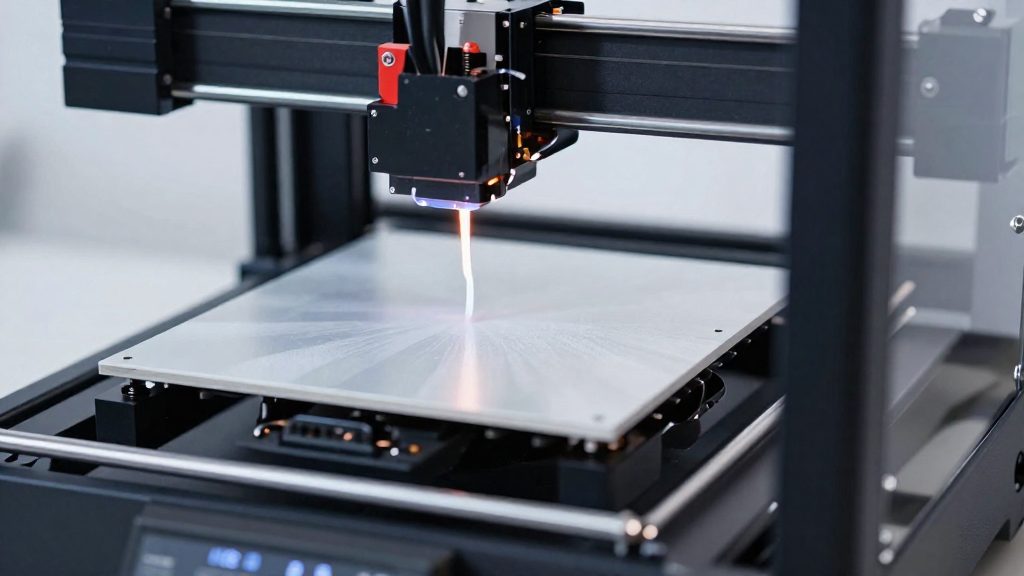
Can you heat an enclosure safely?
Heating an enclosure adds fire and electrical risk, so three things need attention: where the heater sits, what stops the chamber from overheating, and where the fumes go. Follow the heater manufacturer’s instructions and local fire and electrical safety guidance. Heating is the point of the enclosure.
Heater placement and clearance from printed parts
Keep the heater out of contact with printed parts, the filament path and the printer’s wiring. Heat should warm the air inside the enclosure, not a single point on the frame or a finished part. Place the heat source so that airflow reaches the whole chamber, not just the area near the heater. Check the clearance distances in your heater’s manufacturer documentation.
Monitoring to prevent overheating
Overheating protection depends on active temperature control. The Prusa CORE One is a fully enclosed printer with active temperature control (Prusa Research, 2024). Use the same logic on a DIY enclosure:
- Active temperature control: a controller that holds the chamber at its set point is safer than a heater that simply runs at full power.
- Sensor placement: position the temperature sensor where it reads chamber air, not the heater surface.
If the chamber reading keeps climbing past your target, pause the job and find out why before resuming.
Fume ventilation from heated enclosures
An enclosure can hold fumes from the print inside the chamber. The consulted sources do not specify ventilation requirements, so follow the printer and material manufacturers’ safety guidance. The consulted sources do not specify ventilation requirements. In practice, place the printer where its exhaust can reach outdoor air or a room with active airflow, and keep it out of sleeping areas. Follow the material manufacturer’s safety guidance for ventilation and for opening the enclosure.
Condensation and humidity in an unheated garage
Condensation is a risk when a printer moves from a cold garage into a warm room. Warm indoor air can hold more moisture than the cold metal, frame and electronics inside the printer. When a surface cools below the dew point, water vapour turns to liquid on it. According to 3Dprinterly (2023), moving a printer from a cold garage into a warm room can cause moisture to condense on it, and temperature swings that reach the dew point are what cause the condensation.
Waiting before printing a cold machine
A printer that has been in a cold garage needs time to reach room temperature before you use it. Keep it powered off while it warms up, and do not start a print straight away.
- Inspect the frame, linear rods, nozzle, build plate and electronics for visible water droplets.
- Wipe any moisture off with a dry, lint-free cloth.
- Power on only after the surfaces are dry and the machine feels room-temperature to the touch.
Judge readiness by the dry, room-temperature surfaces rather than by the clock.
Humidity control in an unheated garage
Practical steps for an unheated garage:
- Keep the printer and its spare parts in the room where it prints, and limit trips between the cold garage and the warm room.
- Use an enclosure rather than open shelving, so the printing area stays thermally steadier.
- Treat each move from cold to warm as a new condensation event, and repeat the drying check above every time.
Filament and resin storage in the cold
Cold storage affects consumables differently from the printer itself.
Resin bottles at low temperatures
Bring a cold resin bottle to room temperature before pouring it into the vat. Shake or stir it gently only after it has warmed, because cold resin handles less predictably. Keep the bottle capped between sessions to limit exposure to air and dust, and store it in the same spot each time, away from the printer’s cold surfaces.
Filament spools after cold storage
Move a spool from cold storage into the printing room and leave it there until it reaches the room’s room temperature before loading. Load it only once the printing area itself is stable, since temperature swings affect print quality. Inspect the spool before loading for signs of moisture, such as brittle or uneven filament at the spool’s edge.
Sealed containers for spools
Store spools in a sealed container so they stay isolated from the air in an unheated space. Keep the container closed except when a spool is being used, and return the spool to it immediately afterwards. Sealed storage keeps the filament’s condition consistent between prints, which makes results easier to repeat.
Frequently asked questions
Do PLA and PETG prints in a winter enclosure need the chamber heated?
Not necessarily. On the Prusa CORE One, the chamber fans cool the enclosure for PLA and PETG, so heating is reserved for materials that need it (according to Prusa Research, 2024).
Do resin printers need the same cold-weather setup as FDM printers?
Less of it. According to 3Dprinterly (2023), resin printers are less sensitive to temperature, but a cold room can still lower print quality, so keep the temperature steady.
Can ASA or ABS be printed in a cold room without a heated chamber?
These materials are generally printed in a heated chamber, which is why the Prusa CORE One chamber is designed for them (according to Prusa Research, 2024).